
01
Generate and edit in one model
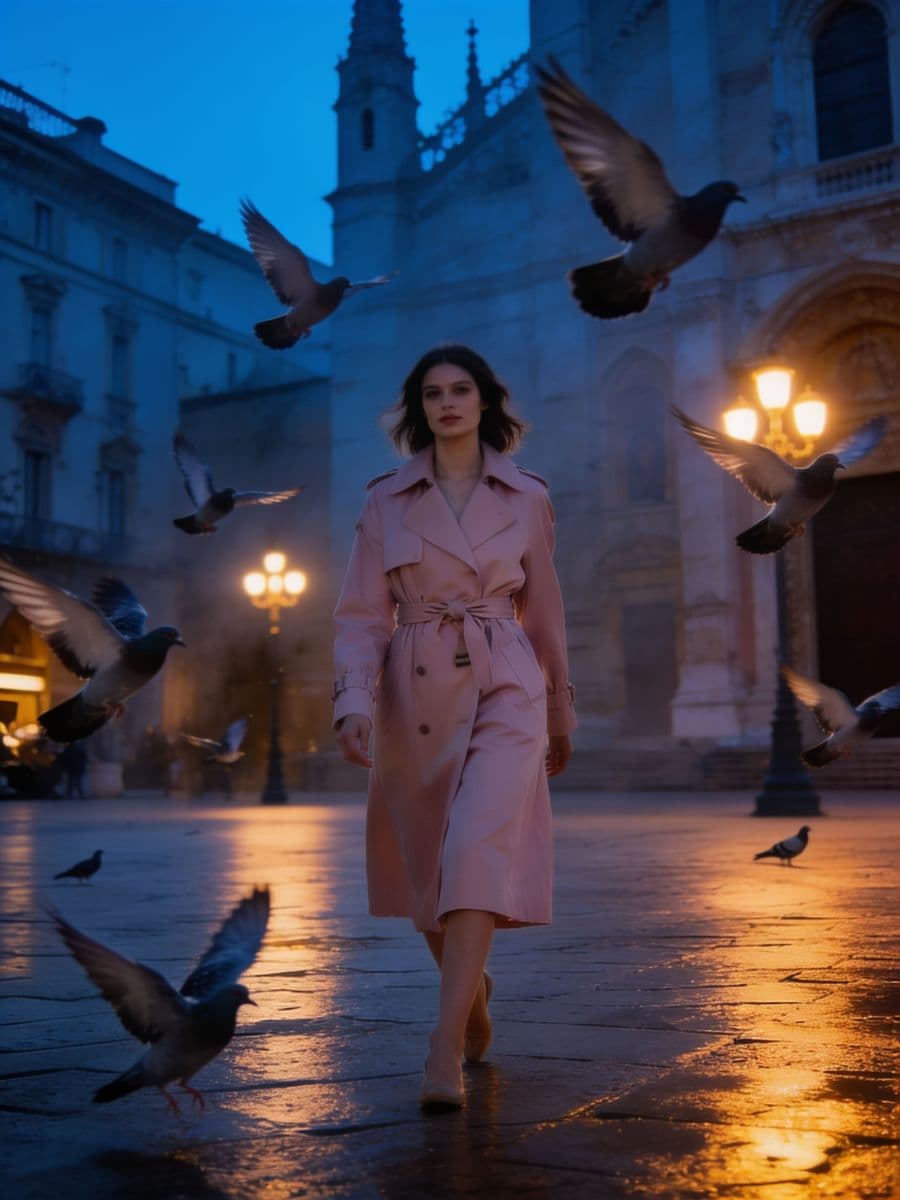
Send a still back as a reference with one line and Seedream 4.5 edits it rather than drawing again: the light, the coat or the weather change, the person and the frame stay.

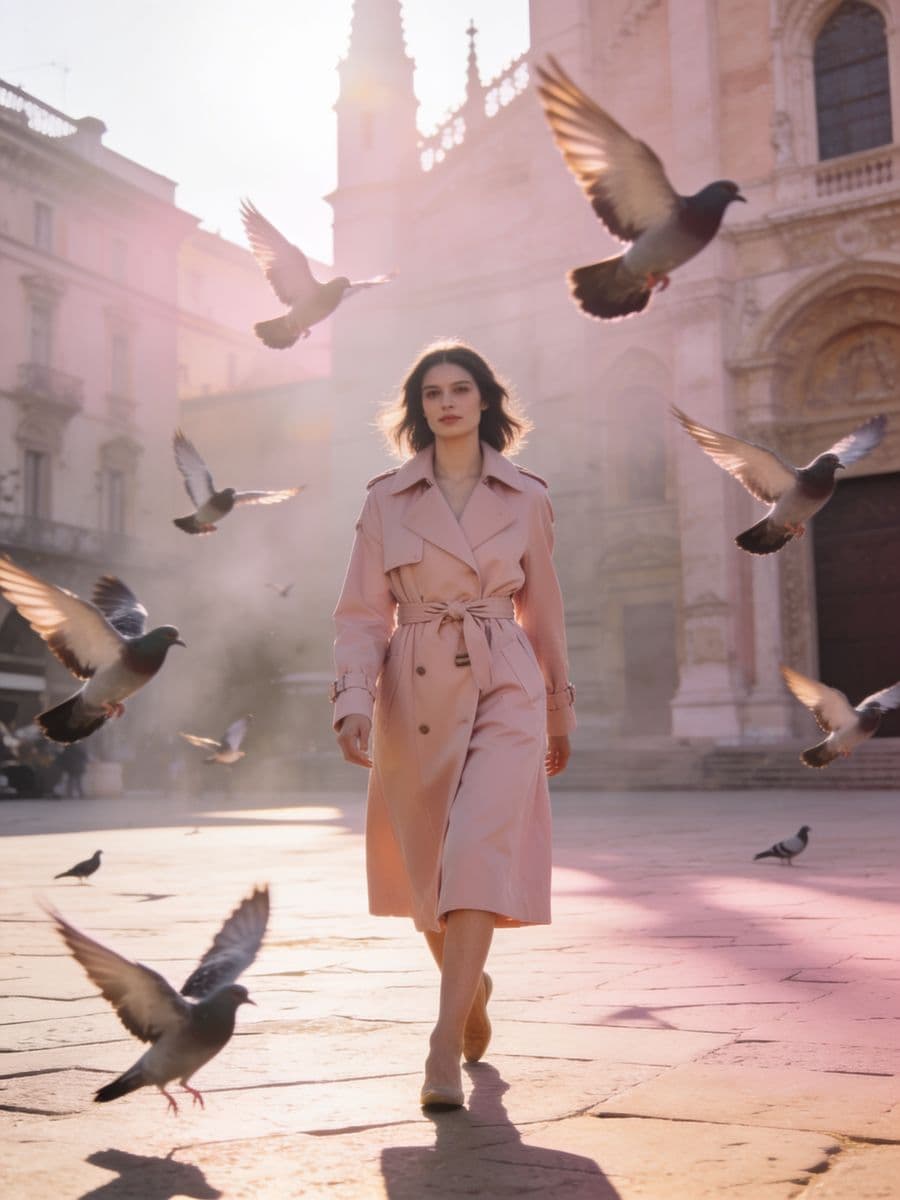 The draw
Attach a still you drew as a reference, write the one line that changes it, and Seedream edits it rather than drawing again: same person, same pose, same frame. Each pass lands on the wall as its own still.


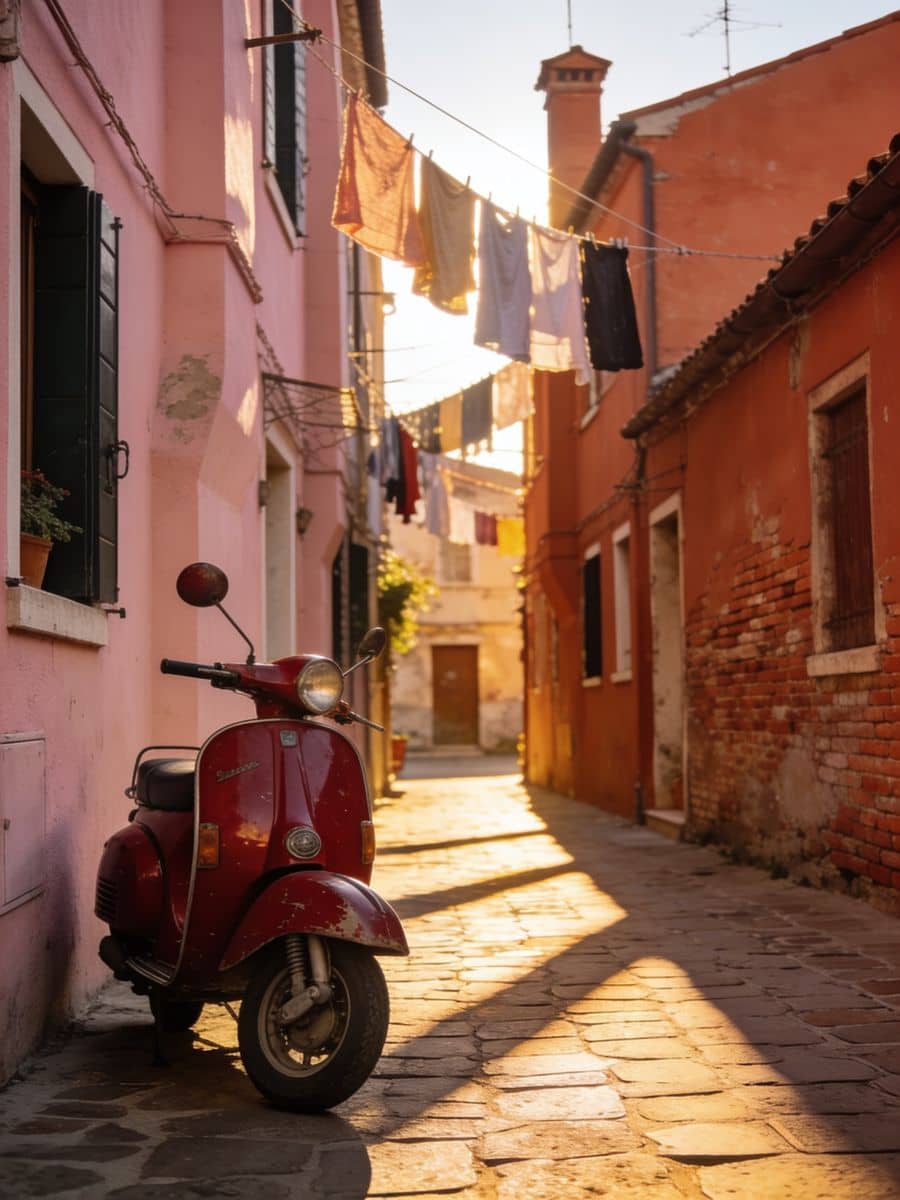
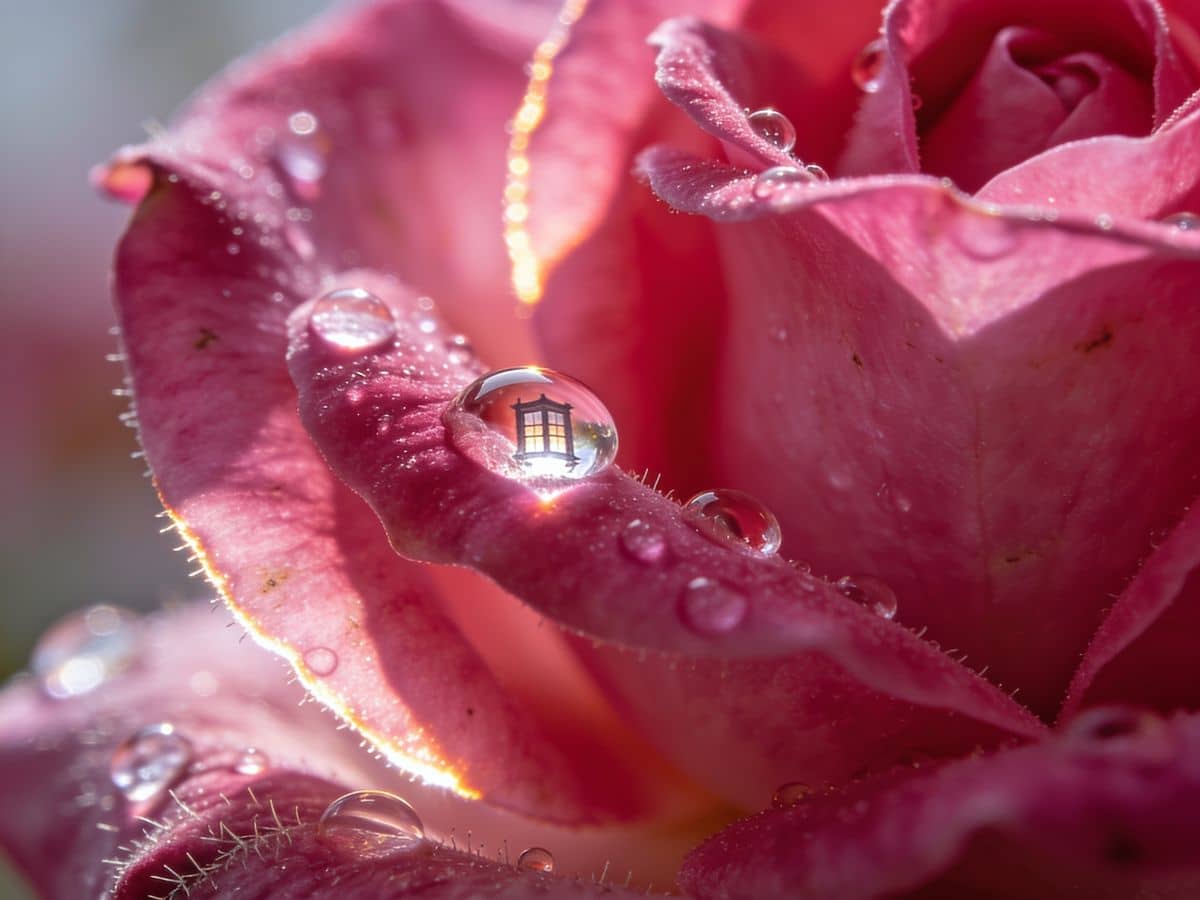
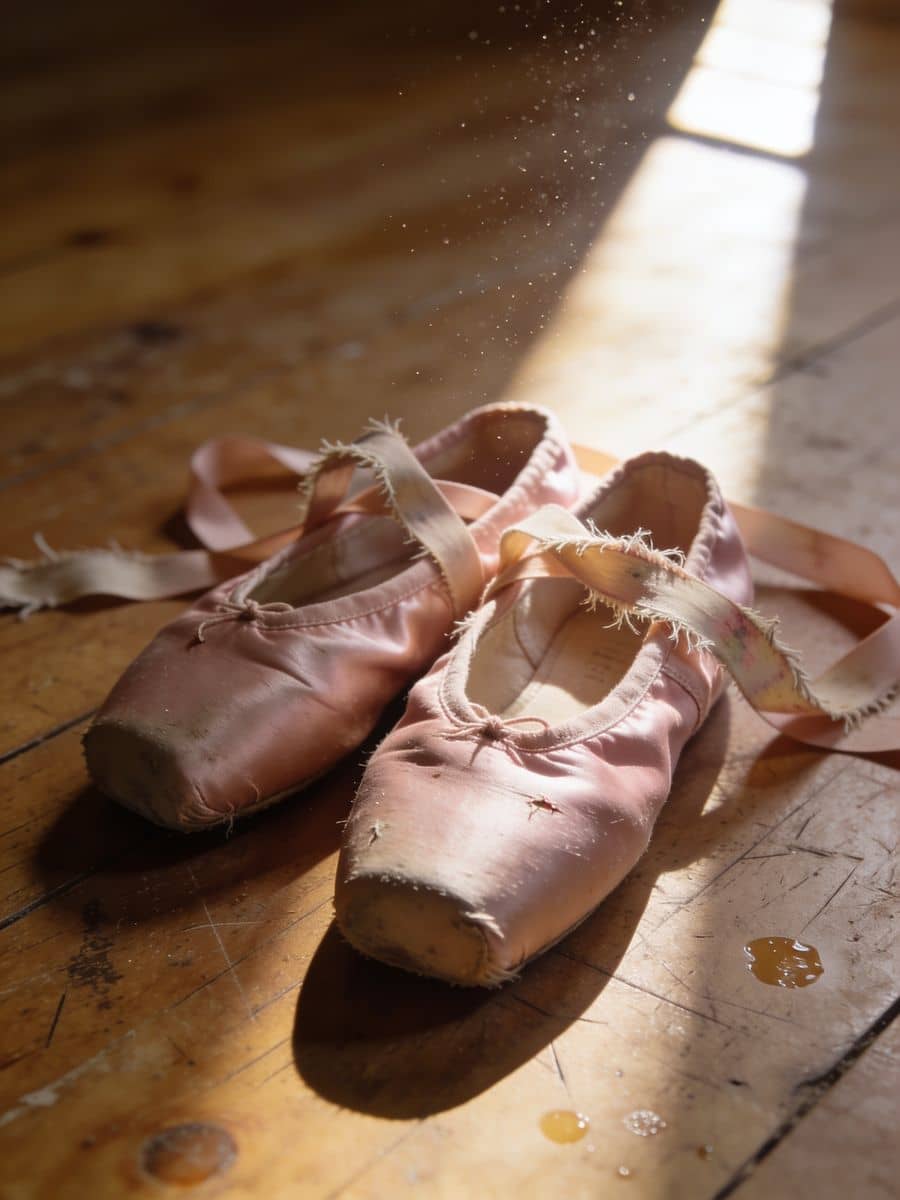
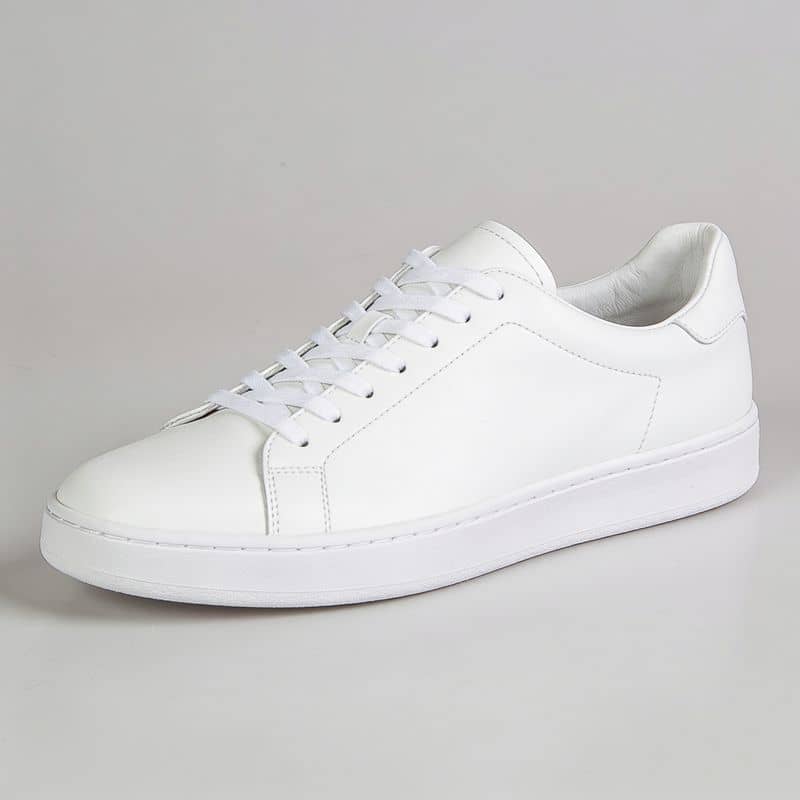
Seedream 4.5's edit takes up to ten reference images and composes them into one still. Here it was handed a plain white sneaker and a rose jacquard swatch, and asked for the first made of the second: the sole, the laces and the shape kept, the weave on the upper.
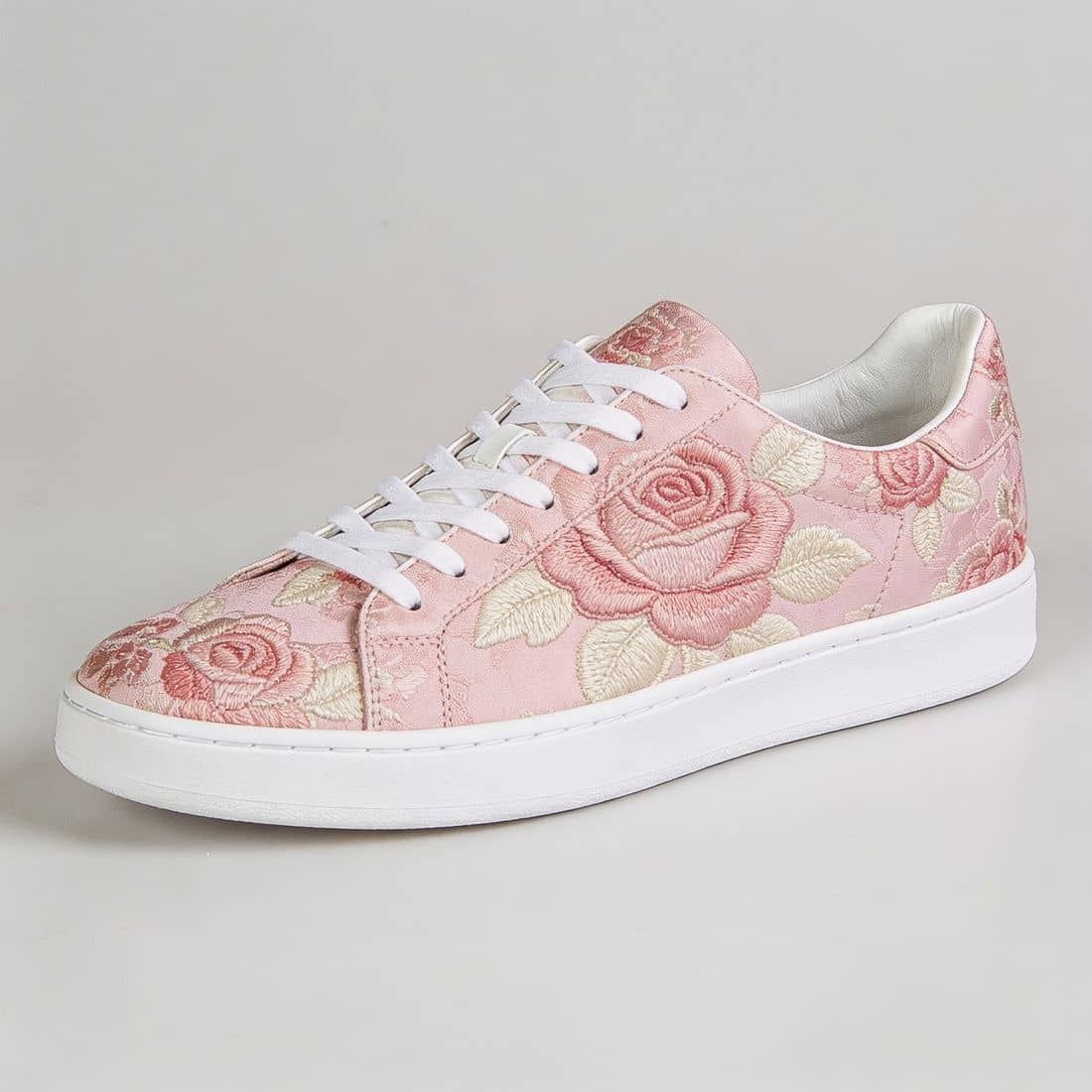 ReferenceFused
Send a still back as a reference with one line and Seedream 4.5 edits it rather than drawing again: the light, the coat or the weather change, the person and the frame stay.
Drop reference photos into the composer and they go to Seedream 4.5's edit endpoint with the prompt, up to ten, composed into one still.
1:1, 4:5, 5:4, 3:4, 4:3, 2:3, 3:2, 9:16, 16:9 or 21:9, sent at about four megapixels: 2048 by 2048 for a square, 1824 by 2272 at 4:5.
Seedream is priced per image, not per megapixel, so four megapixels cost what one would. The credits per still show in the picker before you send.
ByteDance describes 4.5 as refined for prompt interpretation. Write the light, the lens and the place the way you would brief a shoot.
The composer's brain answers when you are bouncing ideas and draws when you ask for the still, writing the prompt as the work.
The draw and each edit land on your Assets wall as their own stills, with their prompts, to compare, star, sort and download.
Make element turns a still into a reference a scene is held to, the one way a render becomes a reference here.
Attach the element to a scene and every shot's keyframe is drawn from it before a clip renders on the video model you pick.
ByteDance; photographic, about 4 megapixels, generates and edits with up to 10 references. Your reference photos reach it. The credits per still show in the composer's picker before you send.
FLUX's newest; takes reference images. Your reference photos reach it. The credits per still show in the composer's picker before you send.
Gemini's image model; strong on references and text. Your reference photos reach it. The credits per still show in the composer's picker before you send.
Every image model the composer draws on, GPT Image 2.5 Flare, GPT Image 2.5 Sunburst, GPT Image 2, Ideogram 4.5, FLUX 1.1 Pro included, each priced per still in the picker.
Sign in, switch the composer to Image, pick Seedream 4.5 with its credits per still beside it, choose a frame and write one line. Add reference photos if it should match them.
Attach the still as a reference and write only what changes: the hour, the coat, the weather. Seedream edits it and keeps the rest.
Every pass lands on your Assets wall. Star the one you want, download it, or press Make element and shoot it.
One line, a frame, then one line more. The credits on the picker each time.