
1. Quote the words
Sign in, switch the composer to Image and write one line with the exact words in quotes: the title, the tagline, the small print.
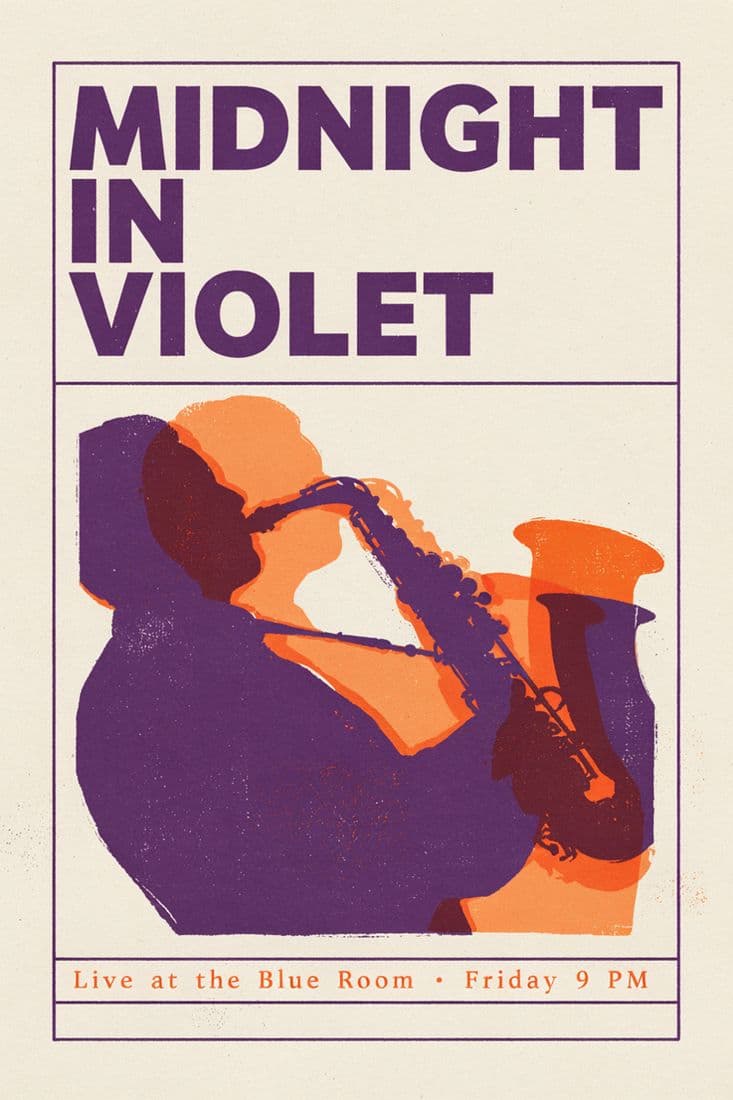
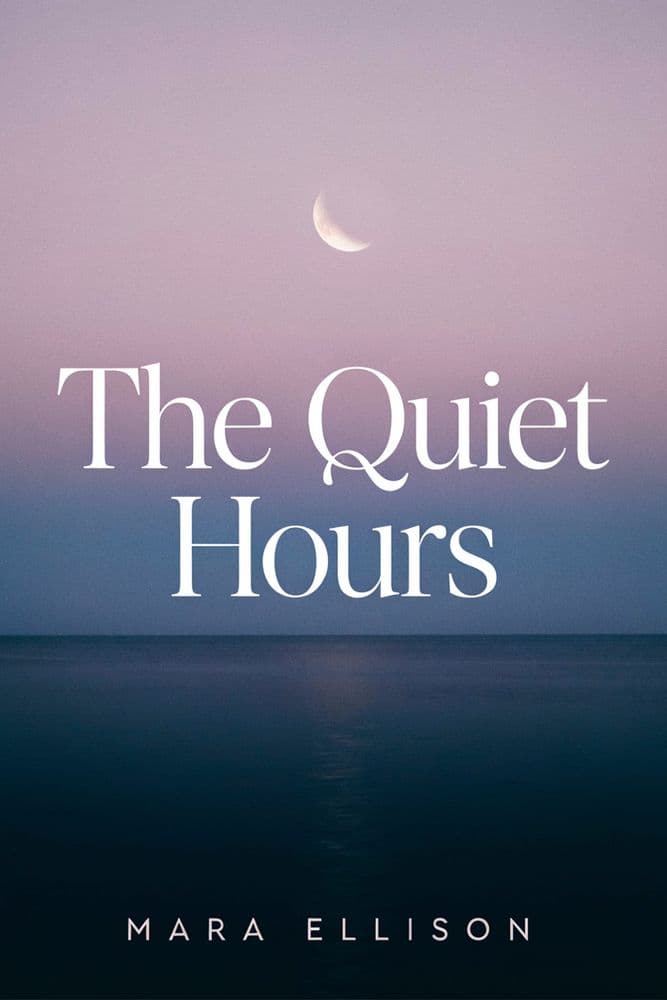
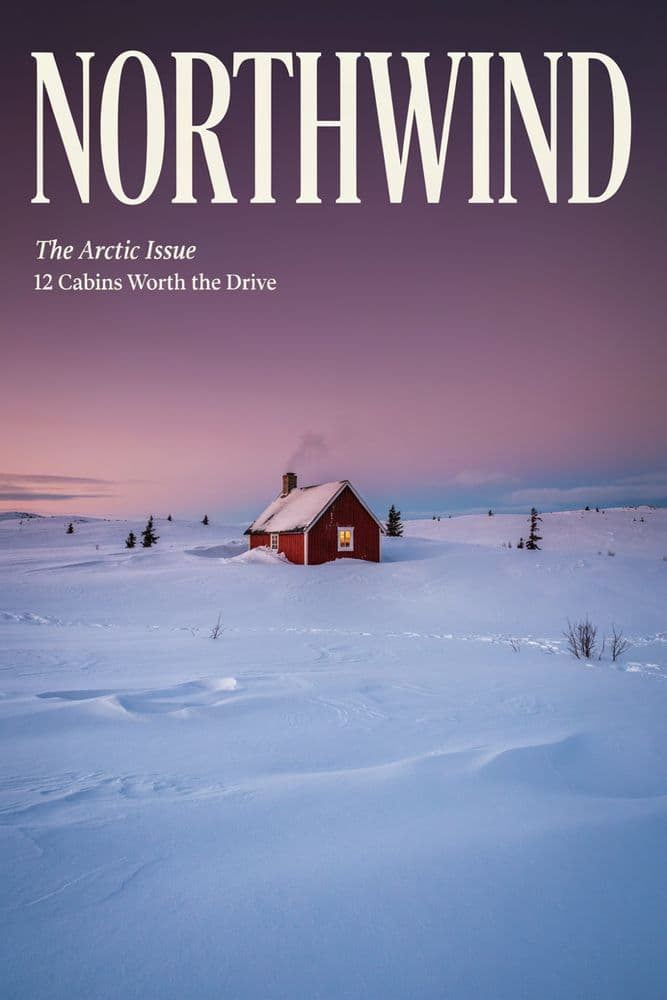

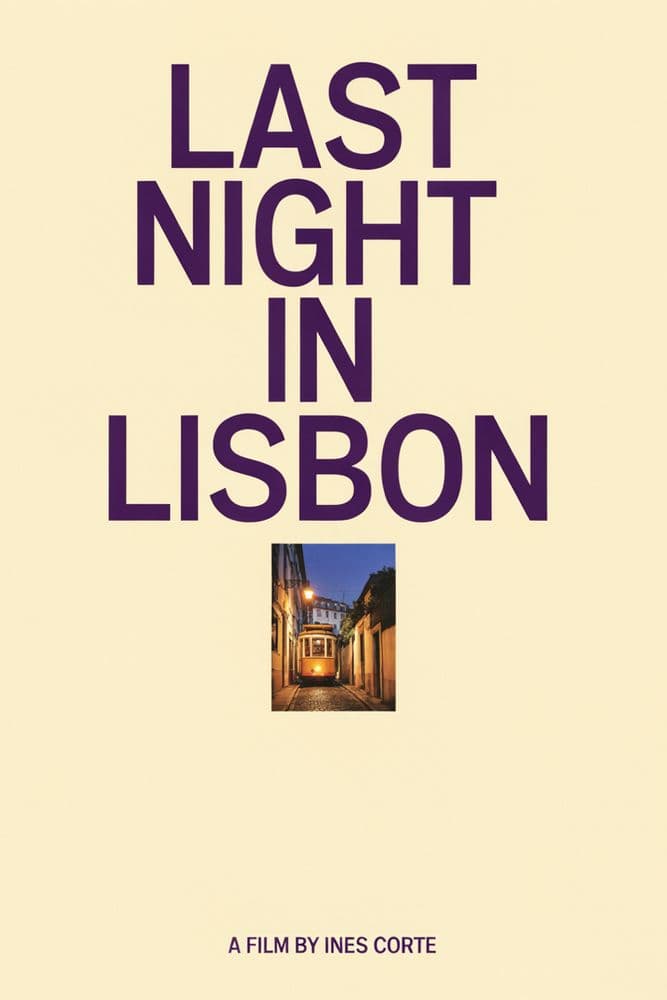
The prompt names the words in quotes and the setting in plain words; only that phrase changed between the three. Ideogram drew each poster from the line alone, no reference photos.



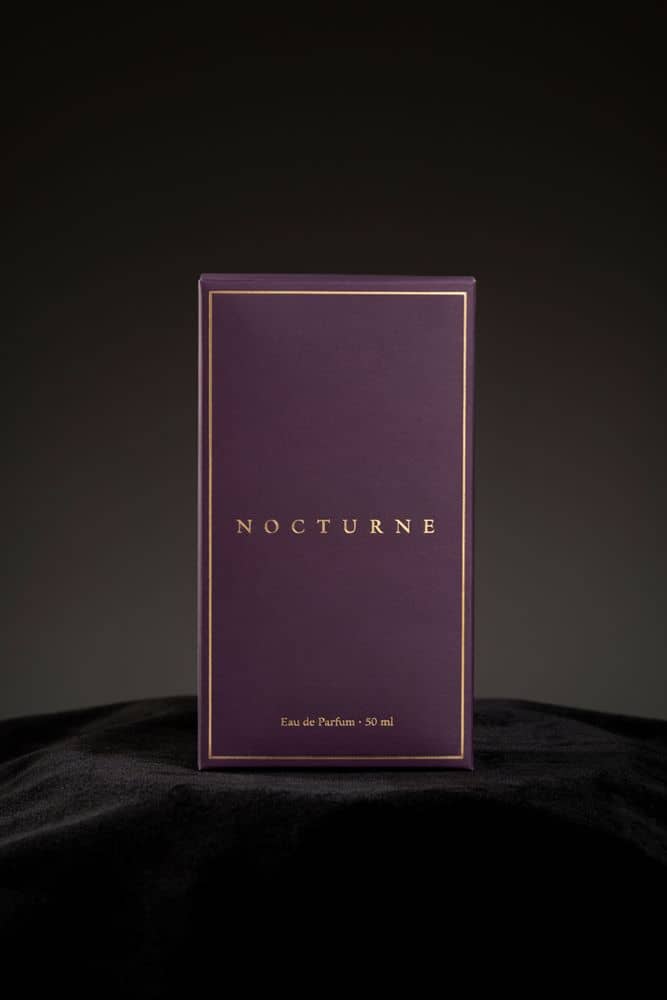
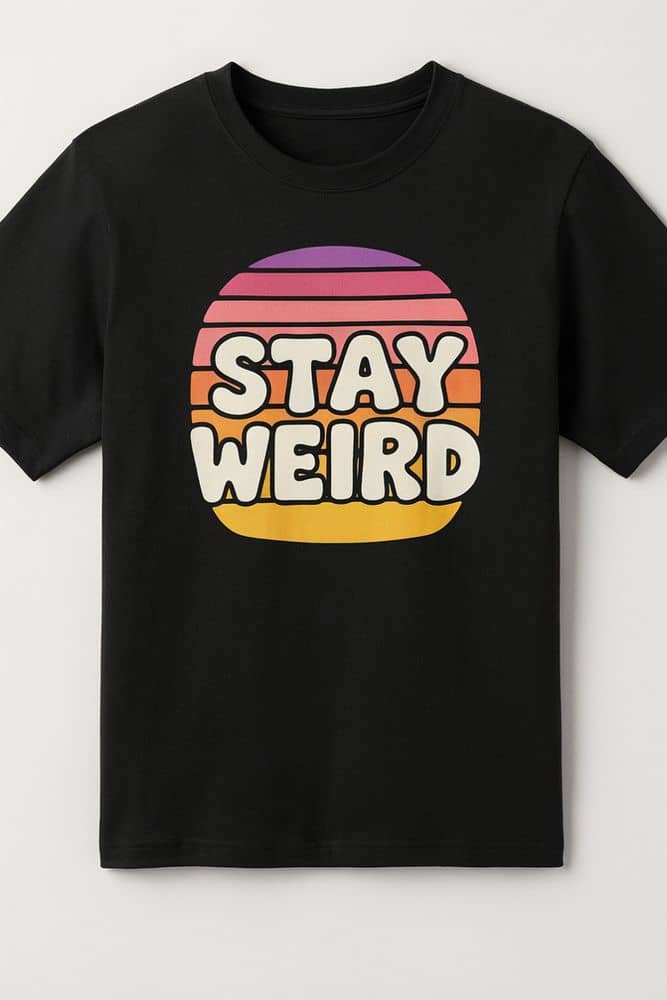
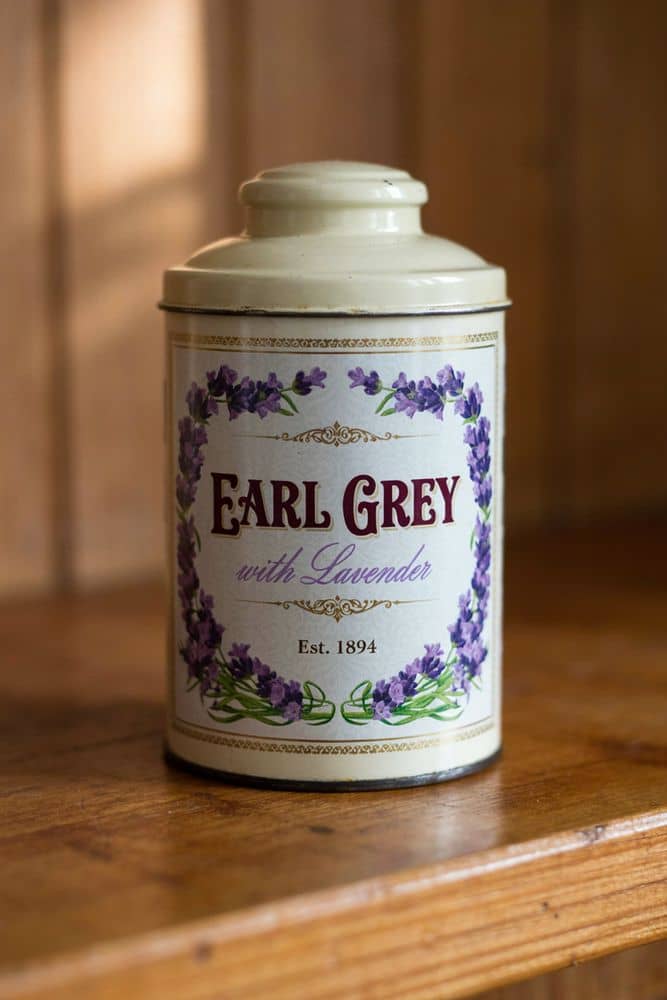
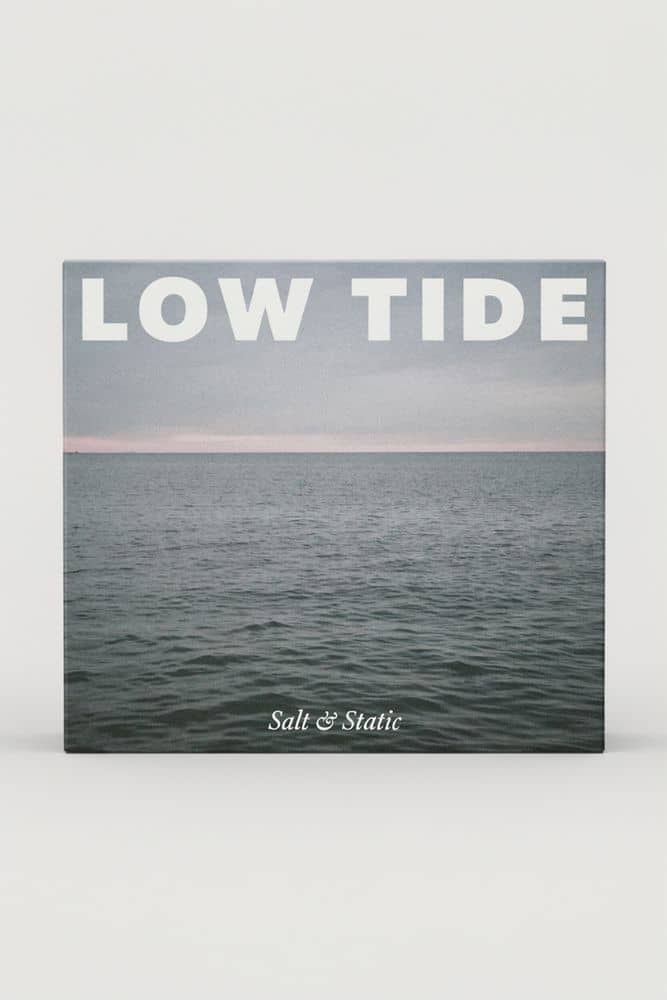
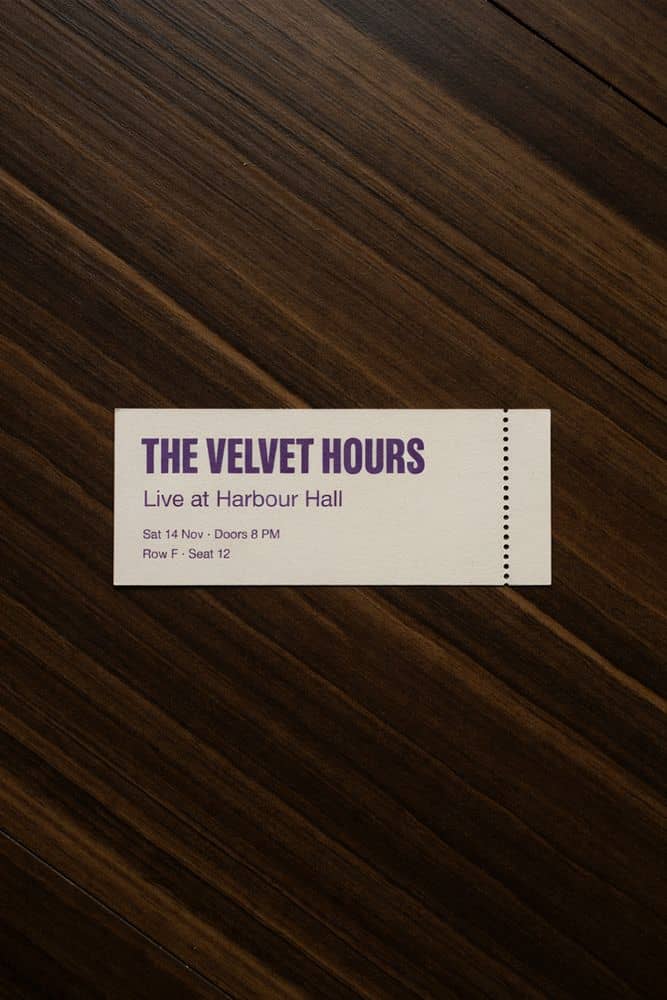
Ideogram describes 4.5 as strong at rendering text accurately. Put the words in quotes and they come back as letters on a poster, a label, a sign.
Condensed capitals, a serif italic, a brush script: name the setting in plain words and the layout follows it. The three Lisbon posters changed only that phrase.
Posters, logos, packaging, flyers, covers and neon: Ideogram's own pitch for the model, and the work it is in the picker for.
Ideogram's own expansion fills out a short prompt before it draws. The studio leaves it on, so one line can be enough; quote the words that must not change.
Square, portrait 3:4, landscape 4:3, portrait 9:16 and landscape 16:9. The composer's ten frames fold onto the nearest one.
Drawn at Ideogram's medium quality and priced per image, whatever the shape. The picker shows the credits per still before you send.
Ideogram draws from text only here: no reference photos are sent, and the result says so. For a product's own label, use a model that takes references.
Every poster lands on your Assets wall with its prompt, to view, star, sort into folders and download.
Make element turns a poster into a prop a scene is held to: the flyer on the wall, the label on the bottle, the sign over the door.
Sign in, switch the composer to Image and write one line with the exact words in quotes: the title, the tagline, the small print.
Condensed, serif, script, bold or thin, where they sit. Choose Ideogram 4.5 in the picker, with its credits per still beside it, and a shape. Send.
Check every letter before it goes out. Keep it on your Assets wall, download it, or press Make element and put it in a scene.
Graphic, typographic, poster-like. Text-only. Draws from the prompt alone. The credits per still show in the composer's picker before you send.
Gemini's image model; strong on references and text. Your reference photos reach it. The credits per still show in the composer's picker before you send.
FLUX's newest; takes reference images. Your reference photos reach it. The credits per still show in the composer's picker before you send.
Every image model the composer draws on, Seedream 4.5, GPT Image 2.5 Flare, GPT Image 2.5 Sunburst, GPT Image 2, FLUX 1.1 Pro included, each priced per still in the picker.
One line, a shape, the credits on the picker. Read it back before it goes out.