zeropage
Drawn on FLUX.2 Pro

FLUX.2 Pro

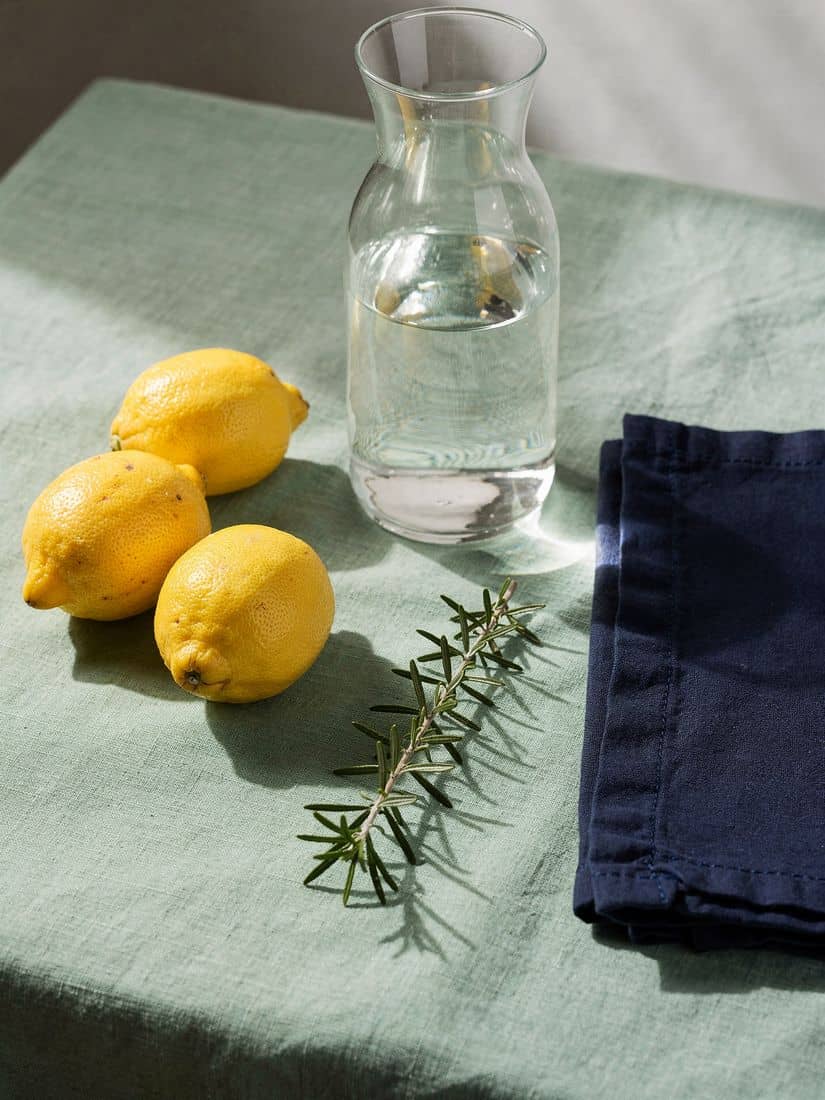
Write what is in the frame and where it sits, and FLUX.2 Pro draws exactly that: three lemons on the left, the red can on the shelf, the frame you picked to the pixel.

See the prompts

Drawn on FLUX.2 Pro · 2K · 16:9, one prompt, no retouching

Prompt In, Picture Out

  • Count it, place it3:4

    Count it, place it

    Still life on a mint-green linen tablecloth: three whole lemons grouped together on the left, a clear glass carafe of water in the centre, a folded navy-blue napkin on the right, and a single sprig of rosemary lying in front of the carafe. Soft window light from the right, gentle shadows, photorealistic, shot from a slightly high angle.
  • Find the red can3:4

    Find the red can

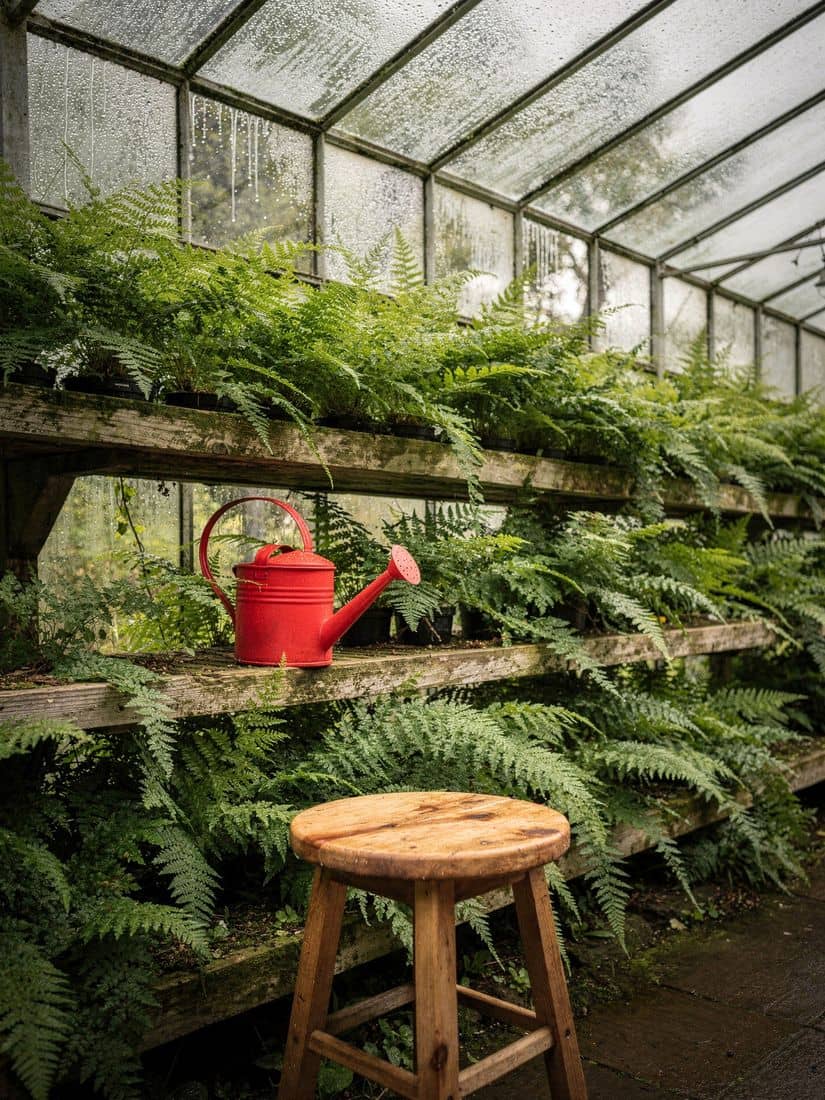
    Inside a Victorian glasshouse: rows of ferns on tiered wooden shelves, a red metal watering can on the second shelf from the bottom, condensation beading on the glass roof, a three-legged wooden stool in the foreground, soft overcast daylight, photorealistic.

  • Scale and geometry3:4

    Scale and geometry

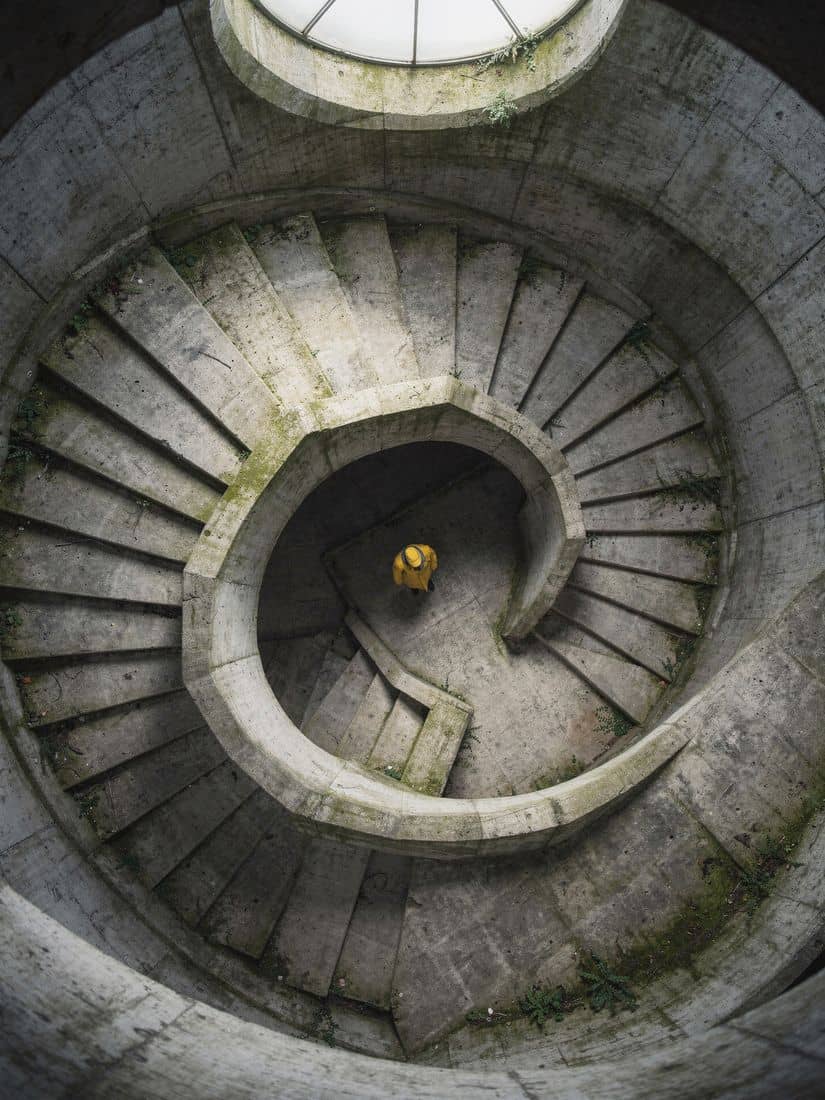
    Looking straight down a spiral brutalist concrete stairwell from the top floor, a single person in a bright yellow coat standing on the third landing down, moss growing in the corners of the steps, cool daylight falling from a round skylight, strong geometric composition, photorealistic.

  • Macro, every droplet3:4

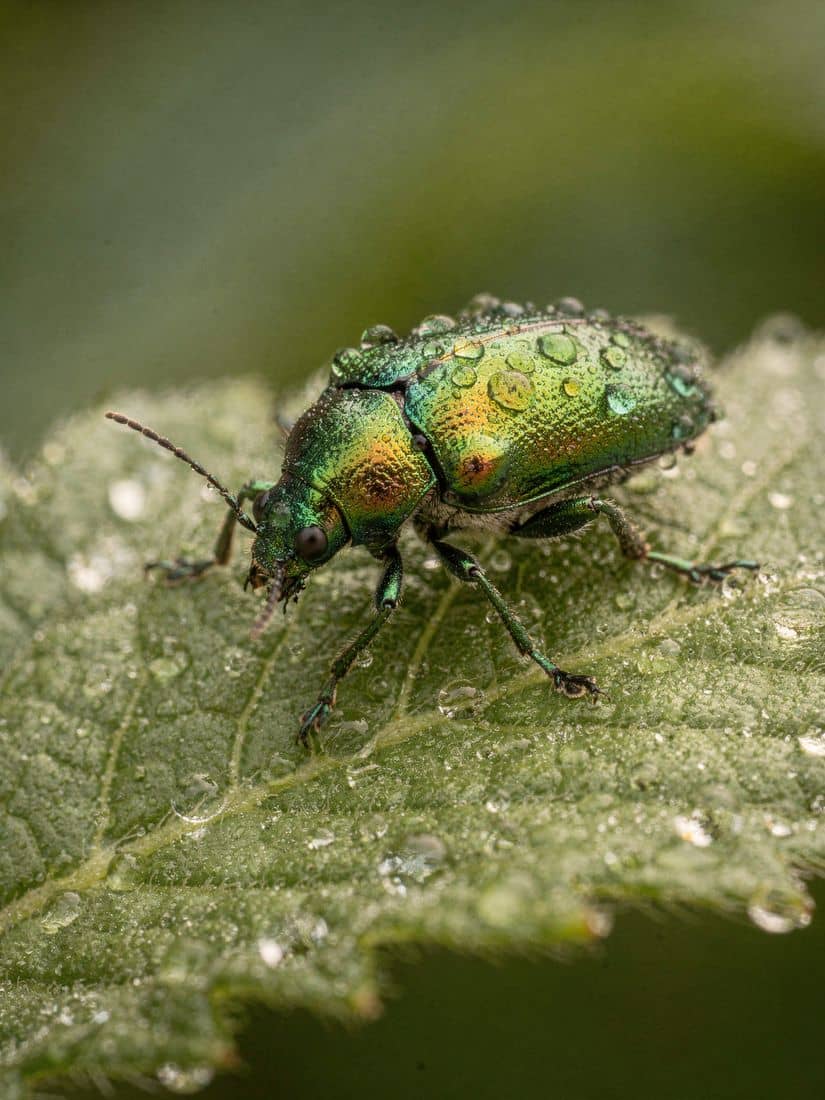
    Macro, every droplet

    Macro photograph of an iridescent green jewel beetle resting on a dew-covered leaf, water droplets on its shell catching the light, the leaf veins sharp, background dissolving into soft green bokeh, photorealistic.

  • Colour by name3:4

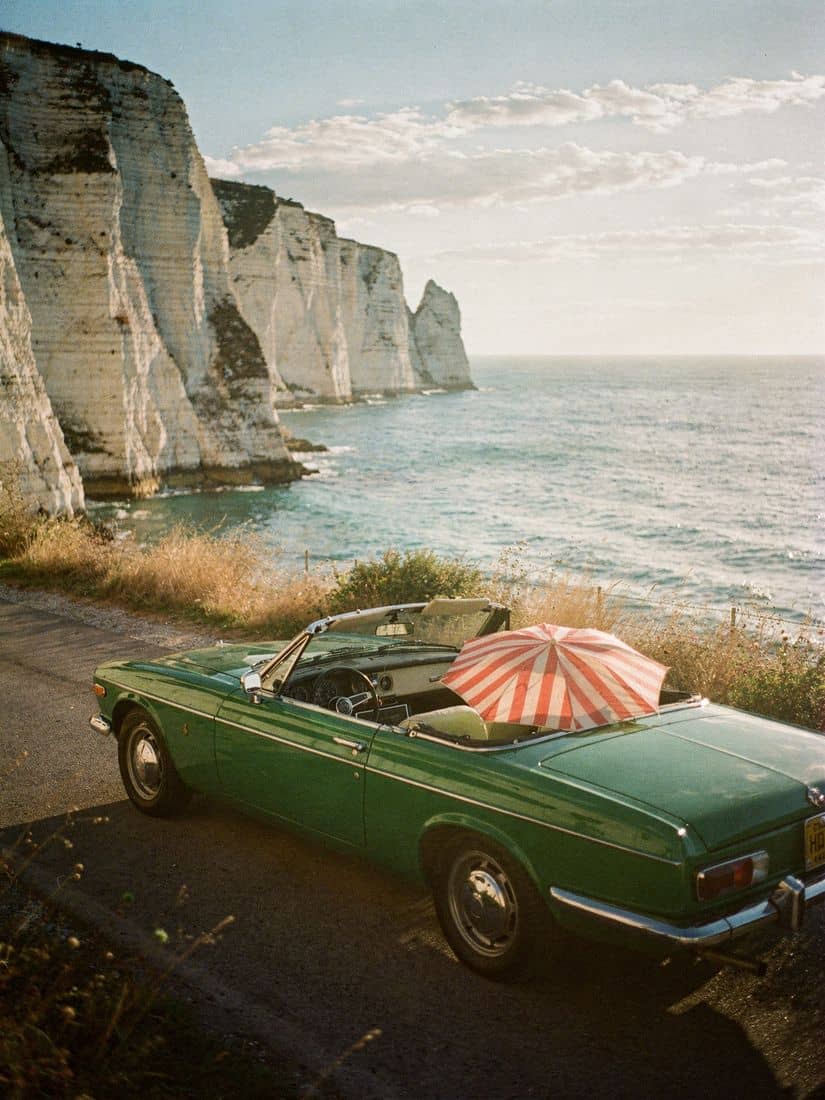
    Colour by name

    A vintage emerald-green convertible parked on a coastal road beside white chalk cliffs, a folded red-and-white striped beach umbrella in the back seat, the sea behind, late afternoon sun, no badges, no text, 35mm film photograph.

  • A portrait, composed3:4

    A portrait, composed

    Editorial portrait of a man in a sage-green linen suit sitting on a simple wooden chair in an empty white gallery room, one large monstera plant in a terracotta pot to his left, soft north light, centred symmetrical composition, photorealistic.

Ten frames, exact pixels

Pick the frame. The model gets the size.

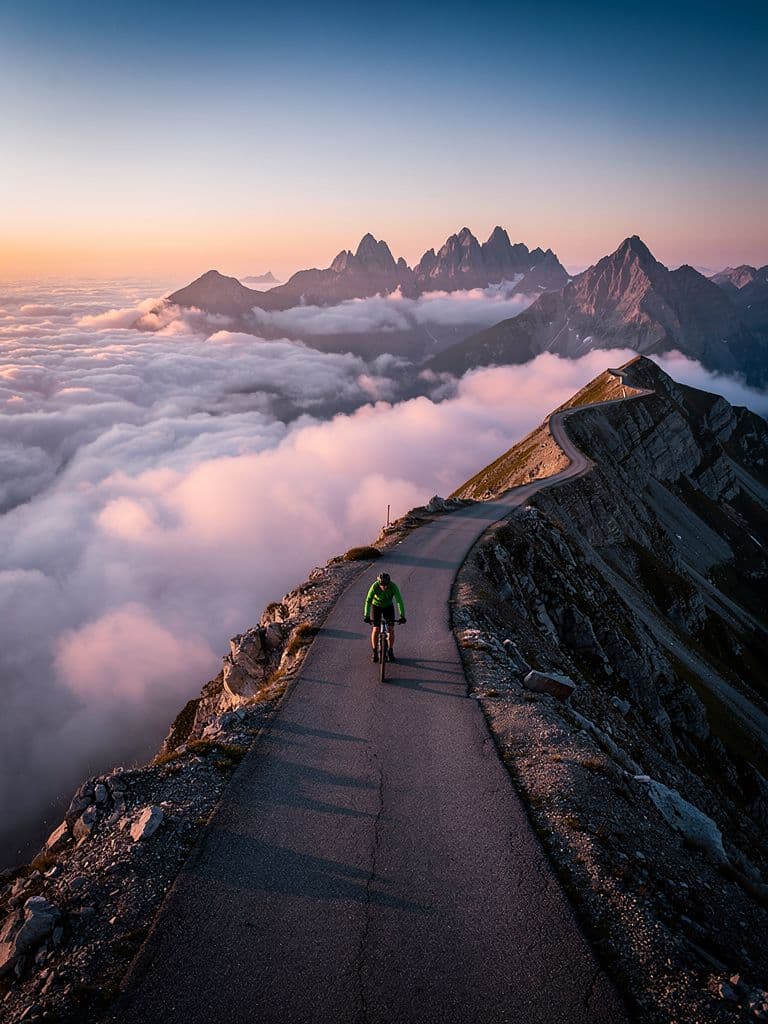
The ridge road at 3:4The 3:4 draw, cropped

4:5 is sent as 912 by 1136 pixels, 0.99 megapixels.

FLUX in the Studio

  1. 01

    Ten frames, exact pixels

    1:1, 4:5, 5:4, 3:4, 4:3, 2:3, 3:2, 9:16, 16:9 or 21:9, picked in the composer and sent as exact pixel sizes. Every frame is under one megapixel, so every frame prices the same from text.

  2. 02

    Up to eight reference photos

    Drop photos into the composer and they go to FLUX.2 Pro's edit endpoint with the prompt. fal describes the model's style transfer and sequential editing; the studio sends up to eight references.

  3. 03

    It follows the prompt

    Black Forest Labs pitches FLUX.2 Pro on studio-grade images with zero configuration: no steps, no guidance scale. Write counts, colours and positions in plain words; the stills on this page mark what each prompt asked for.

  4. 04

    Priced per megapixel

    The first output megapixel at the base rate, every further megapixel of input and output at the extra rate, so a reference edit costs more than a text draw. The picker shows the credits before you send.

  5. 05

    Generate, then edit

    Send the still again with itself as a reference and a new line, and FLUX edits rather than redraws. Each pass lands on the wall as its own still.

  6. 06

    Talk it through or just ask

    The composer's brain answers when you are bouncing ideas and draws when you ask for the still, writing the prompt as the work.

  7. 07

    On the wall, under its model

    Every still lands on your Assets wall with its prompt, to view, star, sort into folders and download.

  8. 08

    Make it an element

    Make element turns a still into a reference a scene is held to, the one way a render becomes a reference here.

  9. 09

    Then shoot it

    Attach the element to a scene and every shot's keyframe is drawn from it before a clip renders on the video model you pick.

How to draw on FLUX

  • 1. Write the still

    Sign in, switch the composer to Image, drop your reference photos in if the still should match them, and write one line.

  • 2. Pick the model and the frame

    Choose FLUX.2 Pro in the picker, with its credits per still beside it, and one of the ten frames. Send.

  • 3. Keep it, edit it, or make it an element

    The still lands on your Assets wall. Send it back with a new line to edit it, star it, download it, or press Make element.

8 Image Models

  • FLUX.2 Pro

    FLUX's newest; takes reference images. Your reference photos reach it. The credits per still show in the composer's picker before you send.

  • FLUX 1.1 Pro

    Sharp, fast, the default. Text-only (no reference input). Draws from the prompt alone. The credits per still show in the composer's picker before you send.

  • Seedream 4.5

    ByteDance; photographic, about 4 megapixels, generates and edits with up to 10 references. Your reference photos reach it. The credits per still show in the composer's picker before you send.

  • 8 Image Models

    Every image model the composer draws on, Nano Banana Pro, GPT Image 2.5 Flare, GPT Image 2.5 Sunburst, GPT Image 2, Ideogram 4.5 included, each priced per still in the picker.

FAQs about FLUX

Your first still

Say what is in the frame. Get that.

One line, a frame, your photos if it should match them, the credits on the picker.