Filmmakers
Develop scenes, explore visual worlds, and direct the moments that make the story yours.
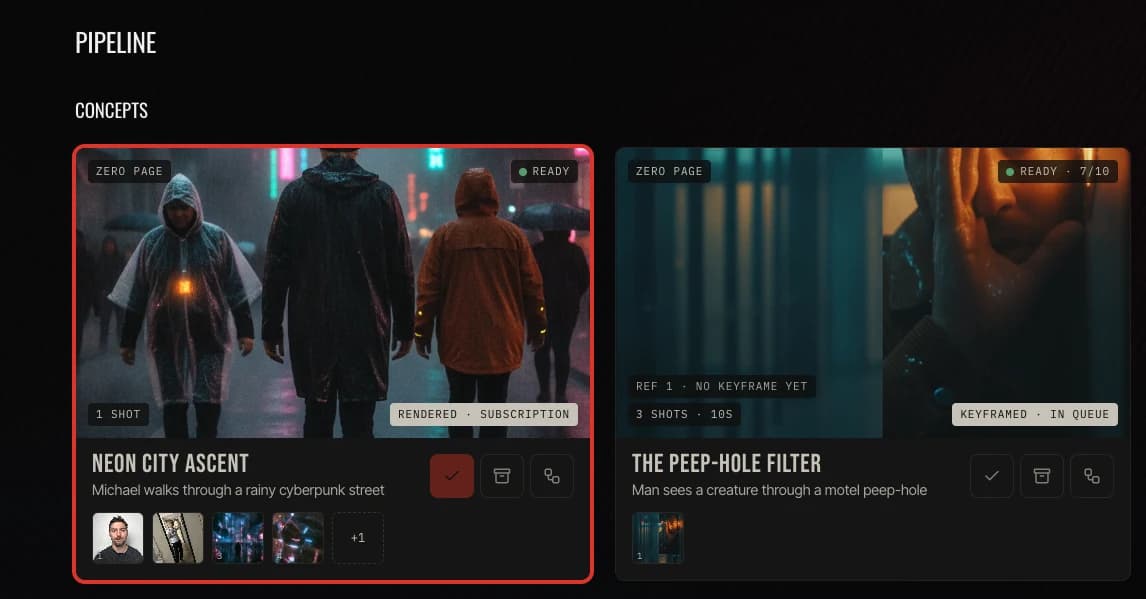
Turn a spark, a brief, or a passage from your script into several scene concepts worth exploring. The studio writes the scene; you decide which one is worth the frame.
Start with a spark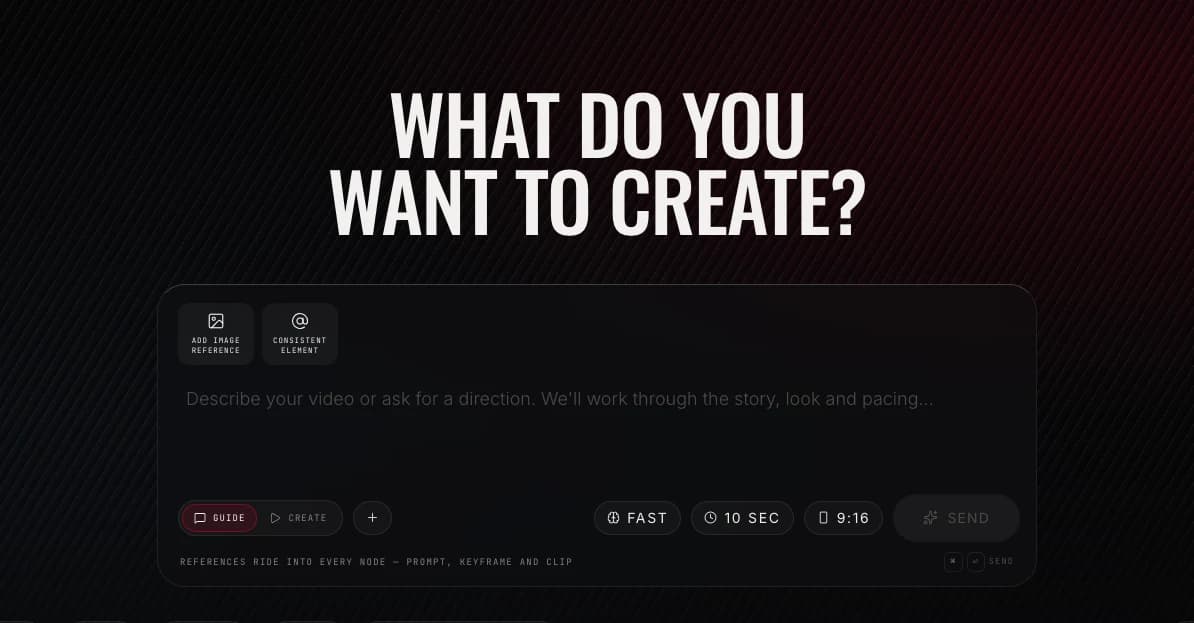
Attach characters, objects, locations, and visual references so every scene begins from your material. A scene with no references never reaches the board.
Bring your references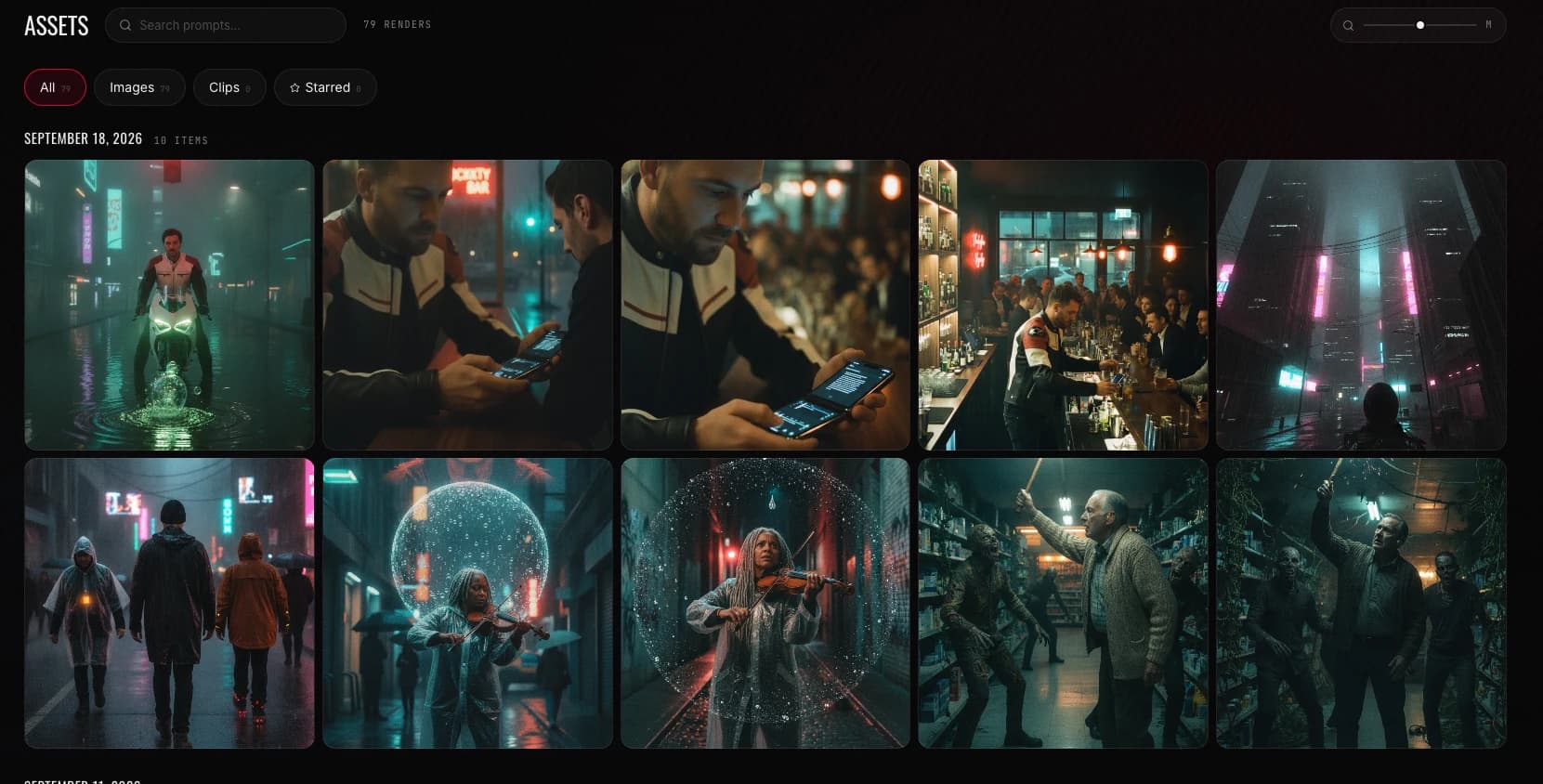
Shape the prompt, connect the references, and draw the keyframe in a canvas built for creative decisions. The still you approve is the frame the clip anchors on.
Open the Director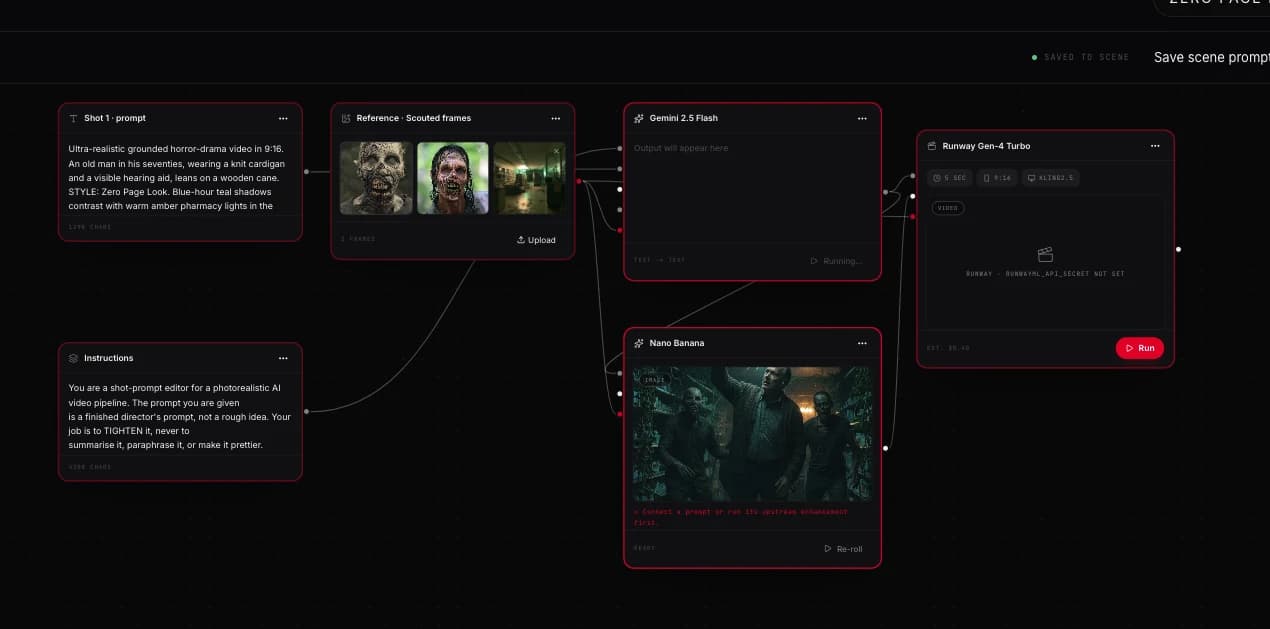
Choose a model, a frame, and a duration, then render the clip you decided was worth making. The Queue is the only place money is spent, and you are the one who presses it.
See the Queue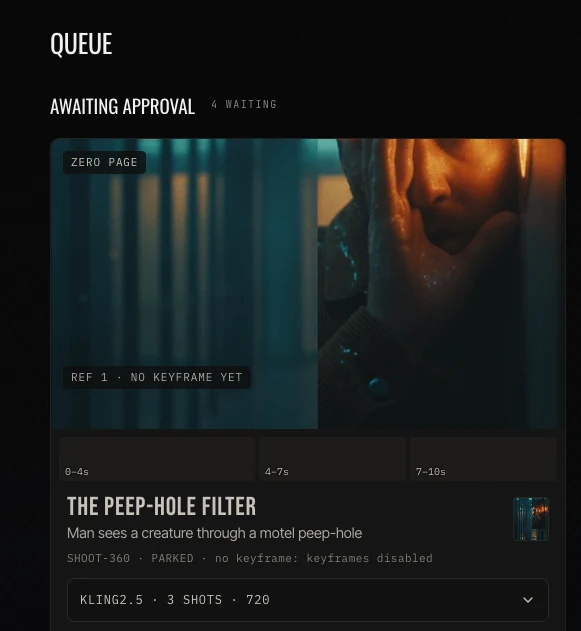
Keyframes from recent concepts, each the first frame its clip will anchor on. Nothing here is stock.
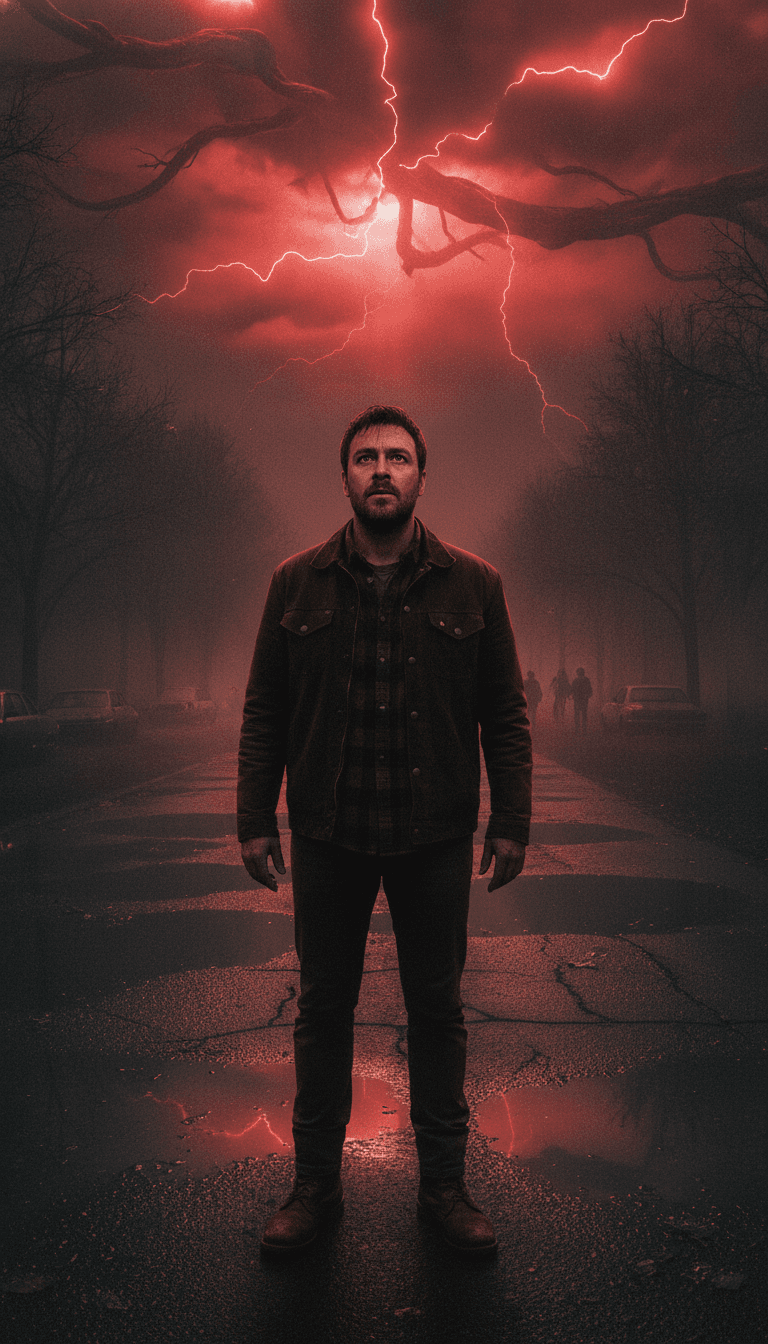
The Crimson Descent
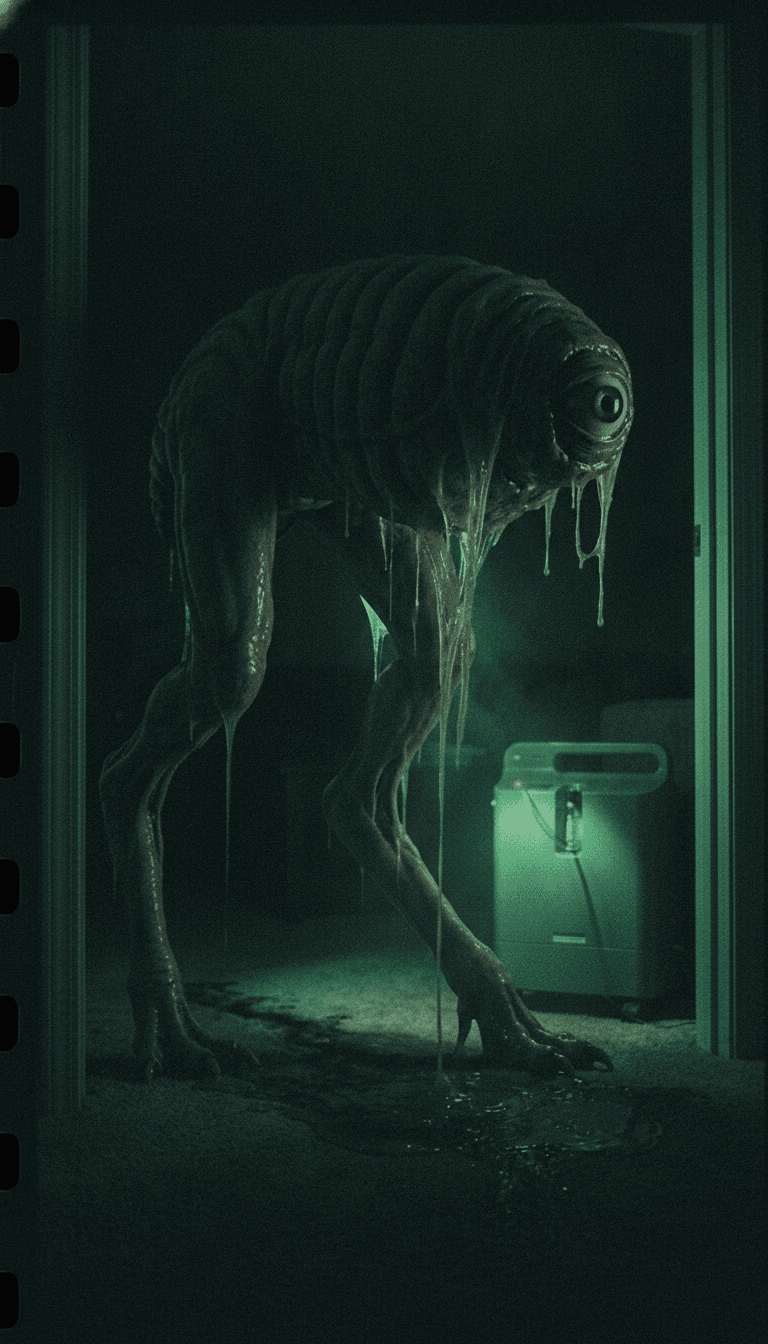
The Last Breath
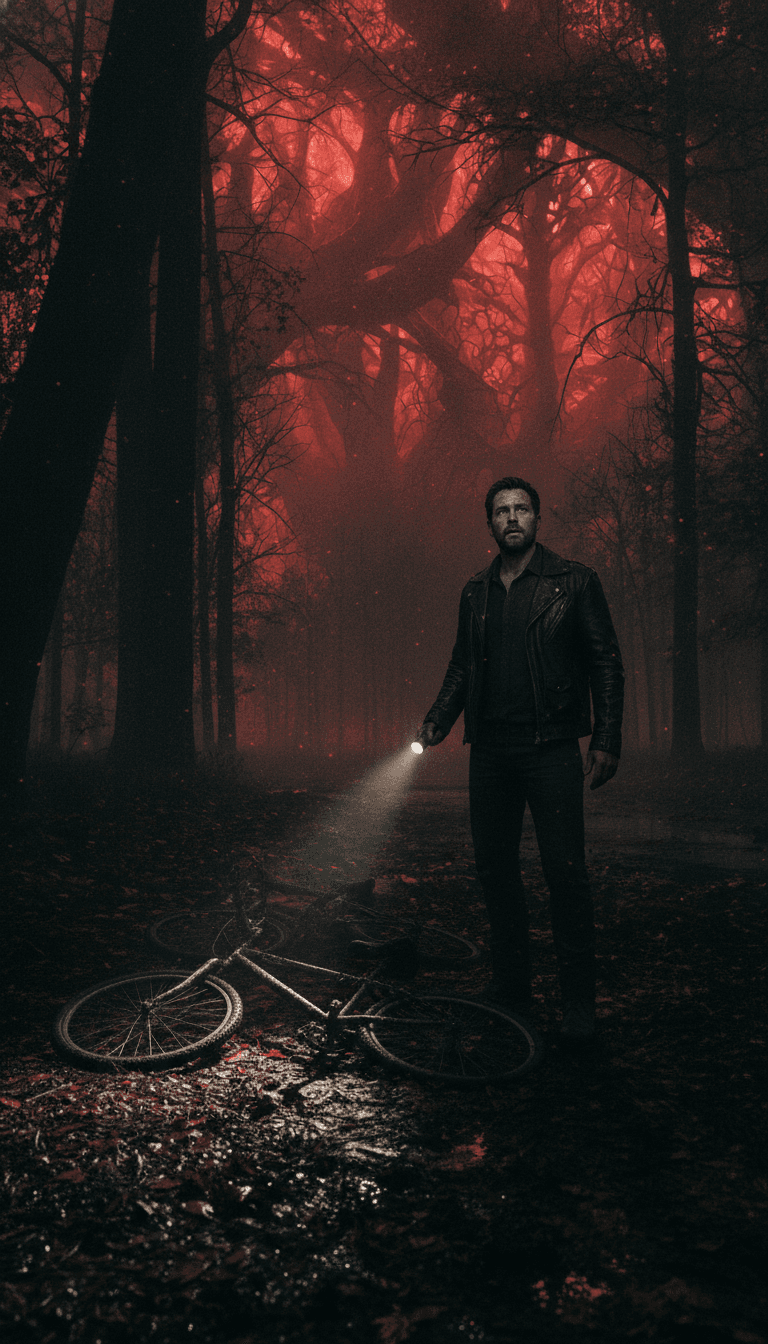
The Crimson Path
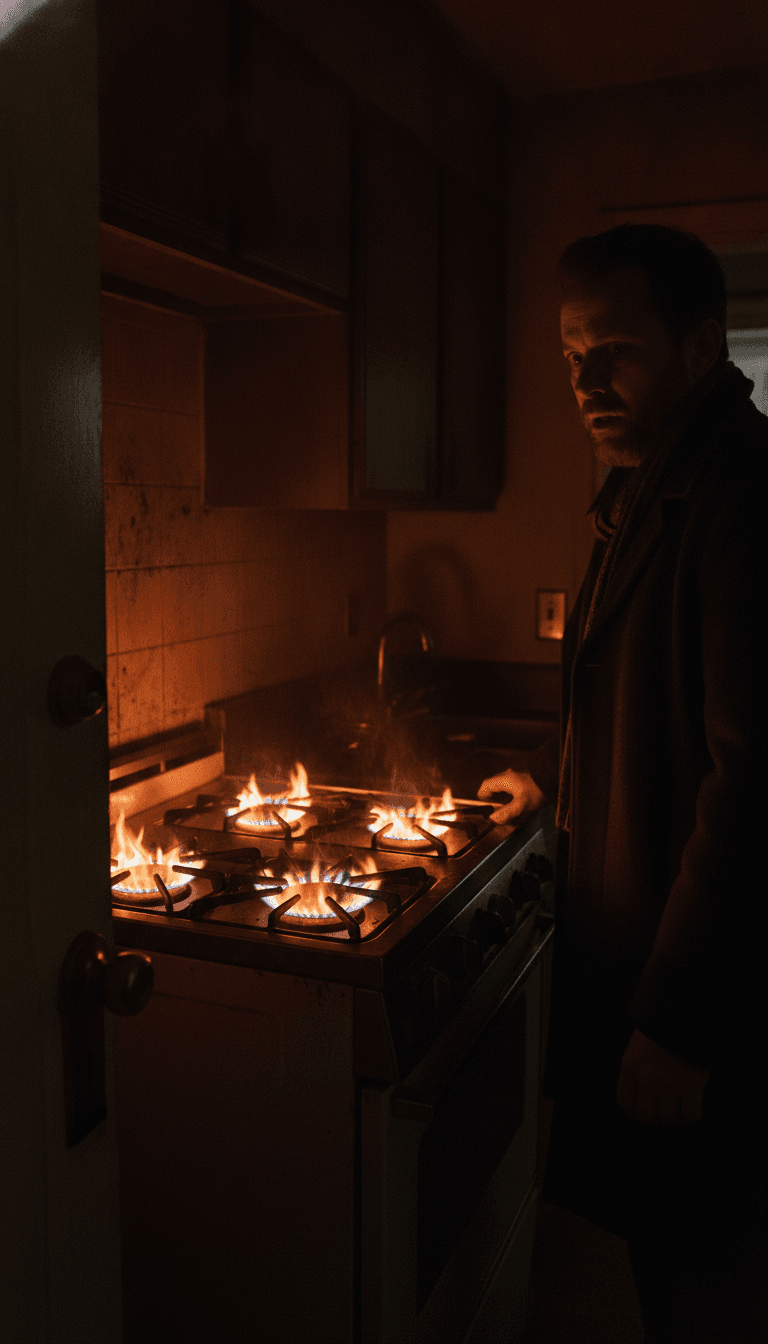
The Final Check
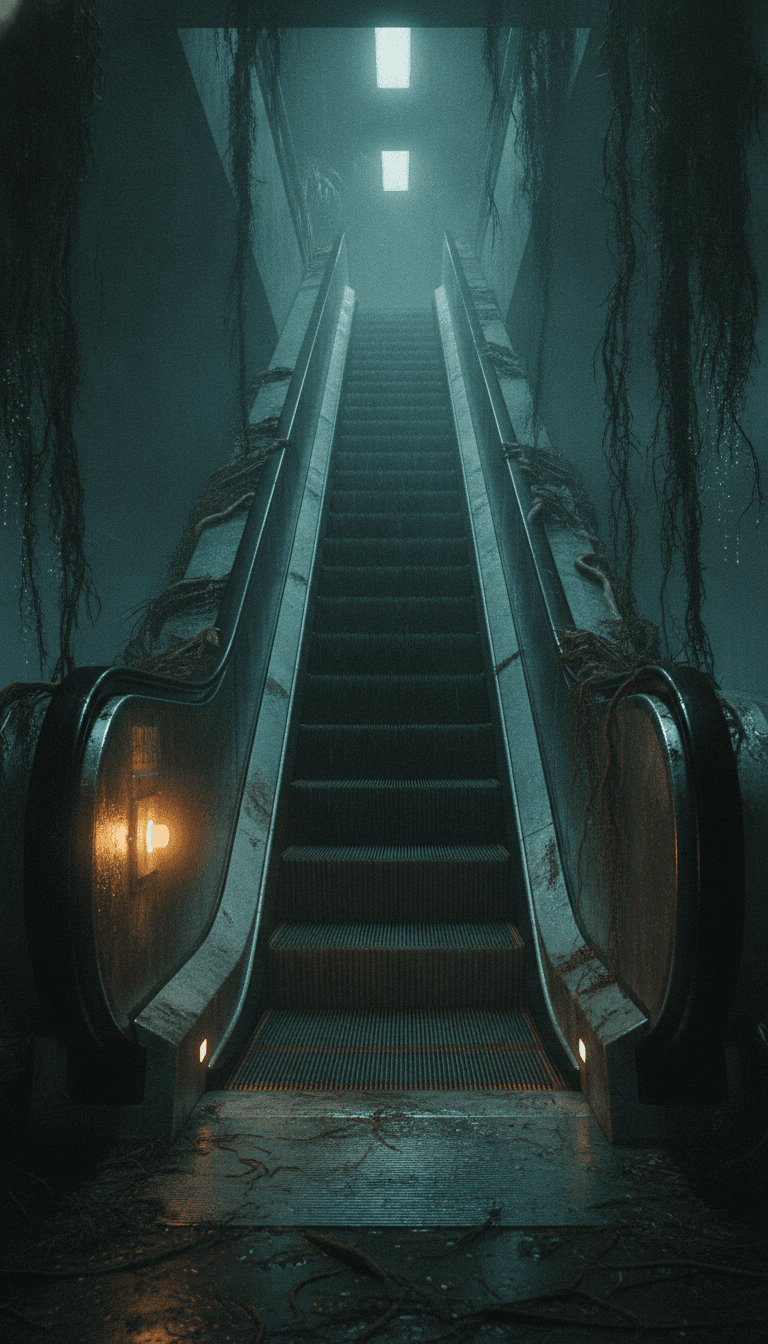
The Infinite Loop
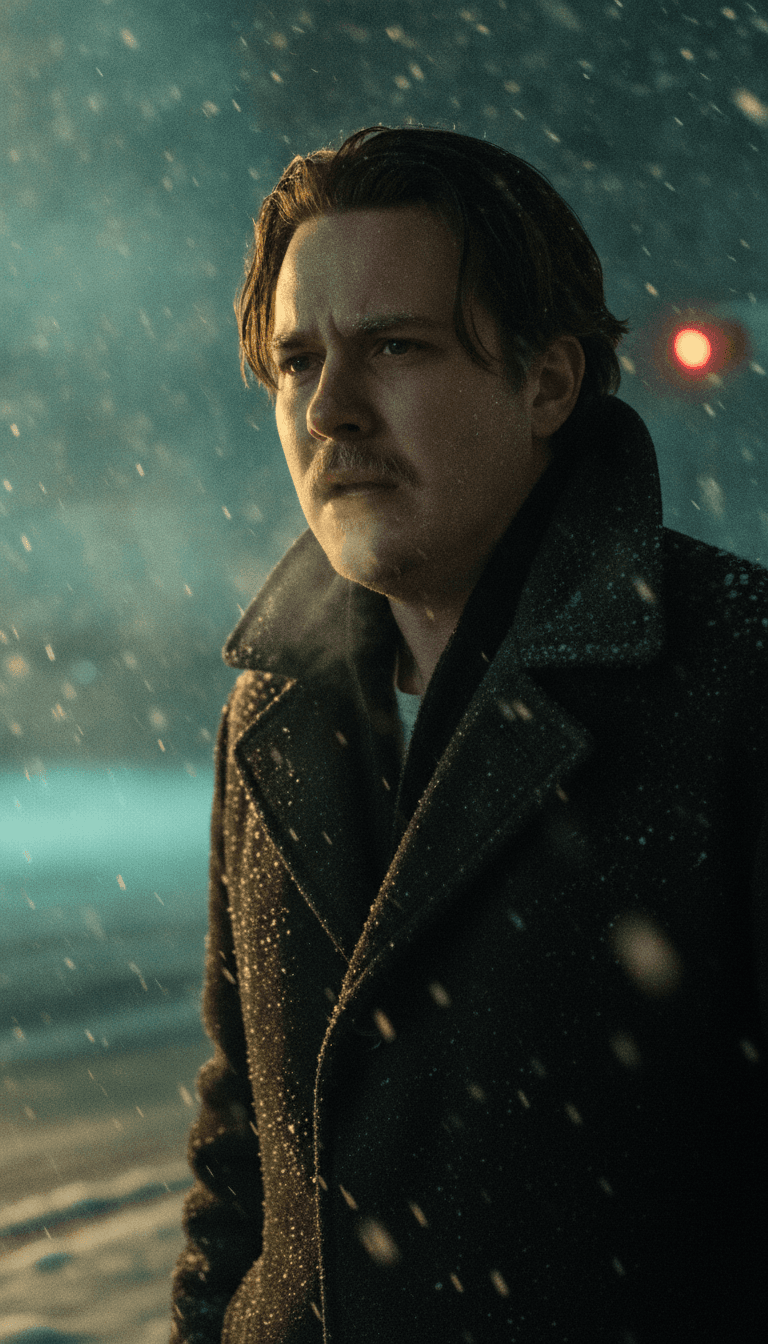
Frozen Checkpoint
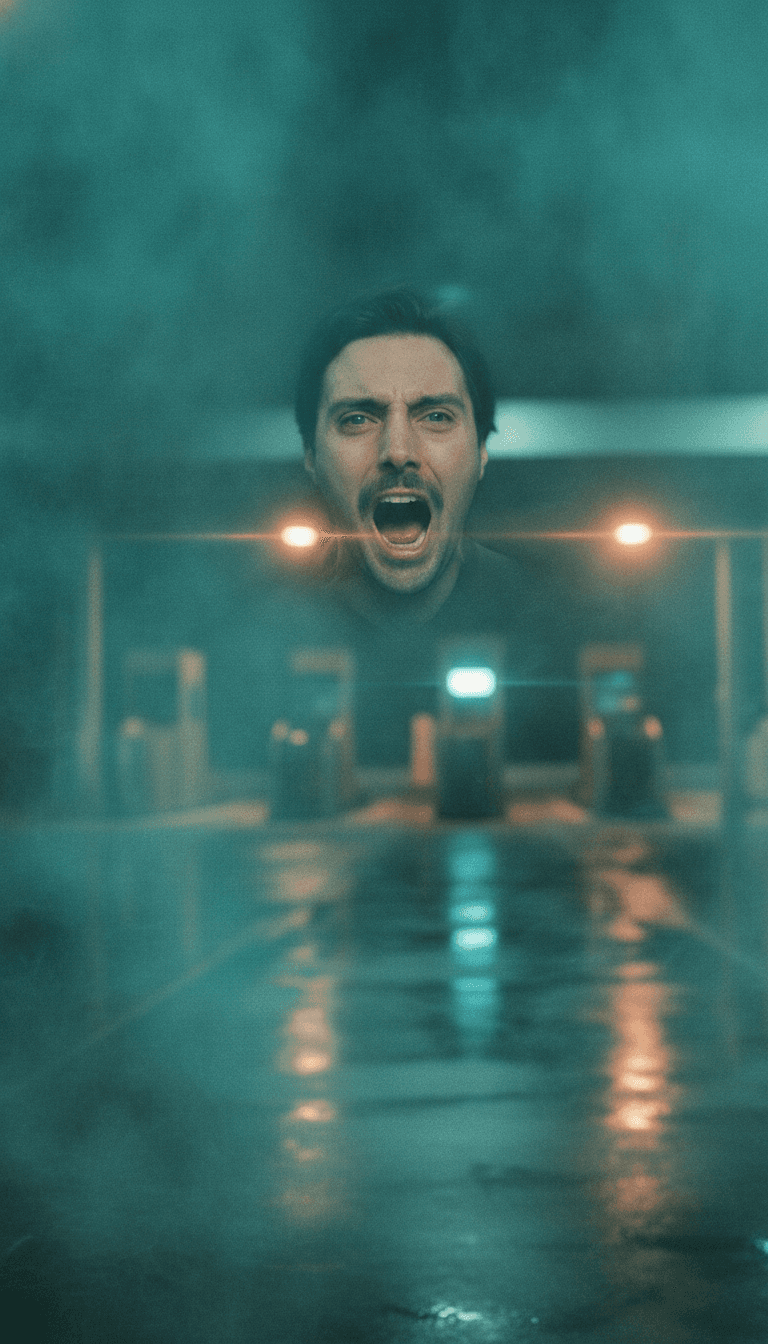
Silent Sector Plea
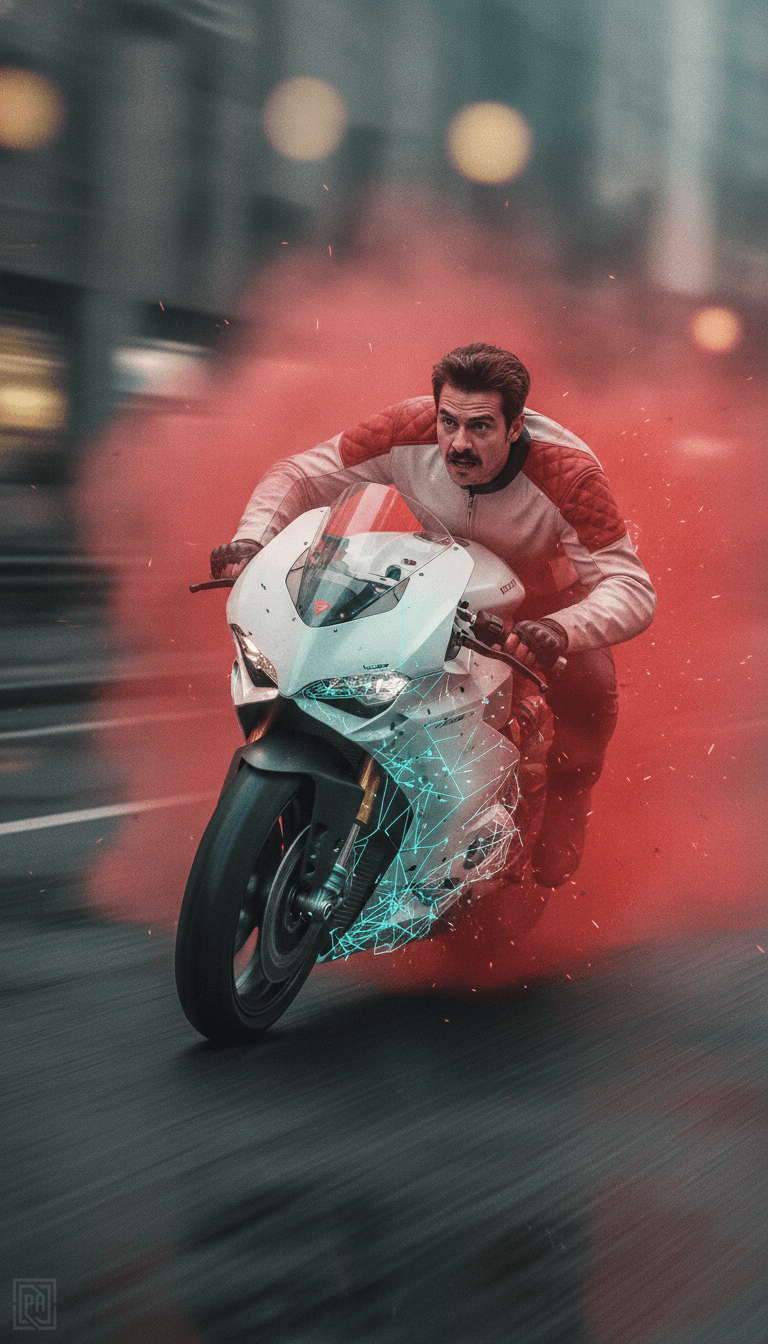
Bio-Digital Erasure
Develop scenes, explore visual worlds, and direct the moments that make the story yours.
Turn a brief into campaign concepts shaped around your product and identity.
Give your next short, series, or visual experiment a world of its own.
Bring a scene or passage into your brief and develop its visual direction.
Start with a sentence, a feeling, or a what-if. Give it somewhere to go.
Explore how an existing creative direction could look on screen.
Use a reference to guide the character, subject, object, or world.
Start from a selected frame and describe the motion you want to create.
Start with whatever you have. Zero Page helps you develop the direction, build the scene, and turn the idea into an image or video.
Open your studio