
GPT Image 2.5 Flare
OpenAI's fast default; text, layouts and edits, up to 16 references. Your reference photos reach it. The credits per still show in the composer's picker before you send.
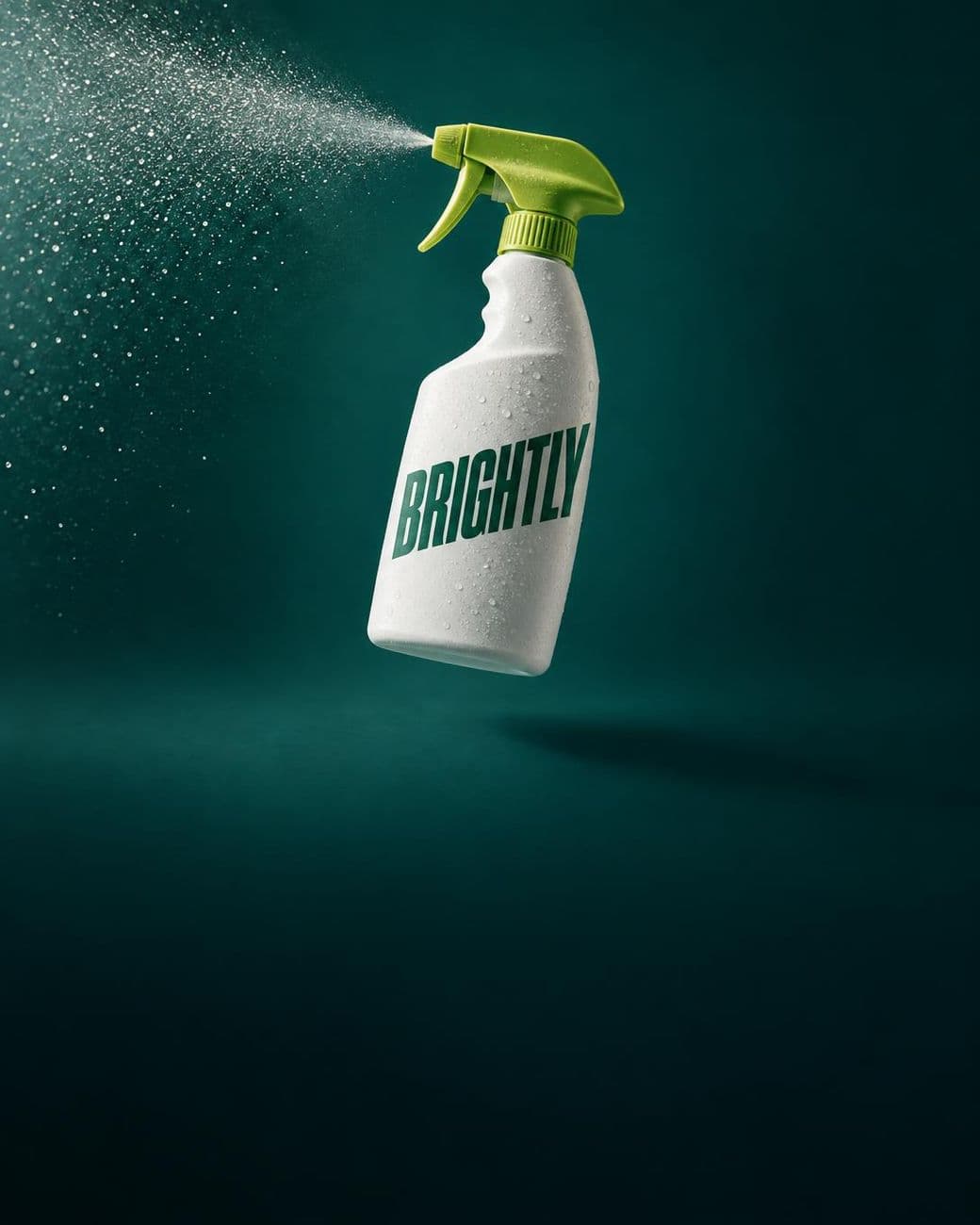
Drawn onGPT Image 2.5 Flare, edit, high
One text-to-image prompt on Sunburst, at high quality, asked for a can labelled 'VOLT' in a burst of ice, a skier mid-flip behind it, the headline 'CHARGE THE DROP' in heavy condensed type and 'VOLT ENERGY' at the foot, and no other text. All three came back as written, and nothing else was lettered.

Drop the product, the room, the person into the composer; they go to GPT Image 2.5's edit endpoint with the prompt, up to sixteen at once.
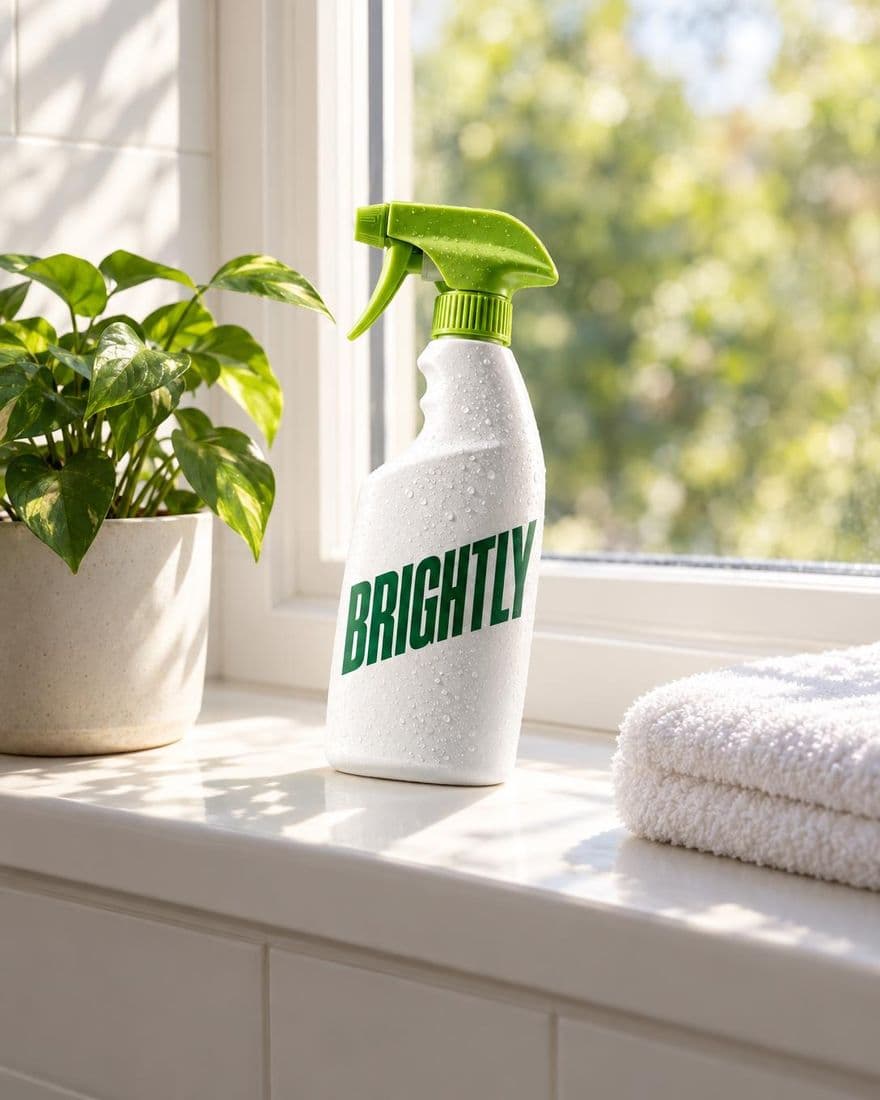
Quote the label, the headline, the small print. The colourway labels and the poster's three lines on this page came back exactly as asked.
Send a still back with one change and the camera, the light and every object stay put; only what you named moves.
Flare is OpenAI's fast default; Sunburst is the precision tier for fine detail and a face or product kept across edits. Both are in the picker.
1:1, 4:5, 5:4, 3:4, 4:3, 2:3, 3:2, 9:16, 16:9 or 21:9, sent to GPT Image 2.5 as an exact width and height.
Drawn at high quality and priced per still; the picker shows the credits for each variant before you send.
GPT Image 2.5 can return a PNG with a transparent background, as the cutout above shows. The studio does not ask for one yet.
Each still lands on your Assets wall with its prompt, to compare, star, sort into folders and download.
Make element turns the ad's product into a reference a scene is held to, so the bottle in the poster is the bottle in the clip.
OpenAI's fast default; text, layouts and edits, up to 16 references. Your reference photos reach it. The credits per still show in the composer's picker before you send.
OpenAI's precision tier; fine detail and identity kept across edits, up to 16 references. Your reference photos reach it. The credits per still show in the composer's picker before you send.
OpenAI's image model; strong on text and instructions, takes up to 16 references. Your reference photos reach it. The credits per still show in the composer's picker before you send.
Every image model the composer draws on, Nano Banana Pro, FLUX.2 Pro, Seedream 4.5, Ideogram 4.5, FLUX 1.1 Pro included, each priced per still in the picker.
Sign in, switch the composer to Image and drop in the product photo. Add a room, a model or a texture if the ad needs them.
Pick GPT Image 2.5 Flare or Sunburst and a frame, then ask for one format at a time: the scene, the colourways, the poster with its words in quotes.
Every still lands on your Assets wall. Star the keepers, download them, or press Make element and put the product in a scene.
Attach the product, ask for one format at a time, read the words back.